






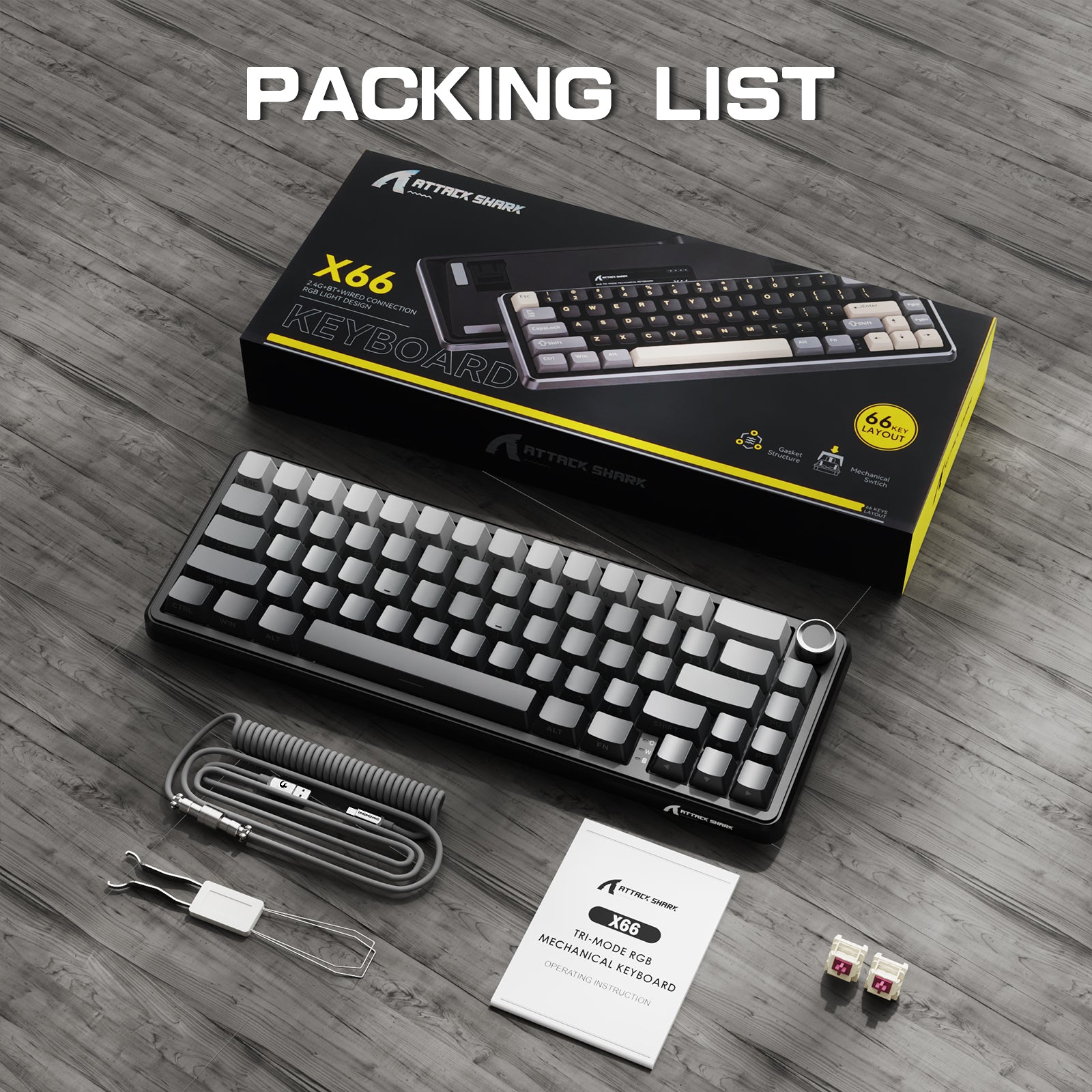
ATTACK SHARK X66 무선 기계식 키보드 8K 코일 케이블 포함
- Share:
-

-

-

-


- In Stock
Technical Specifications


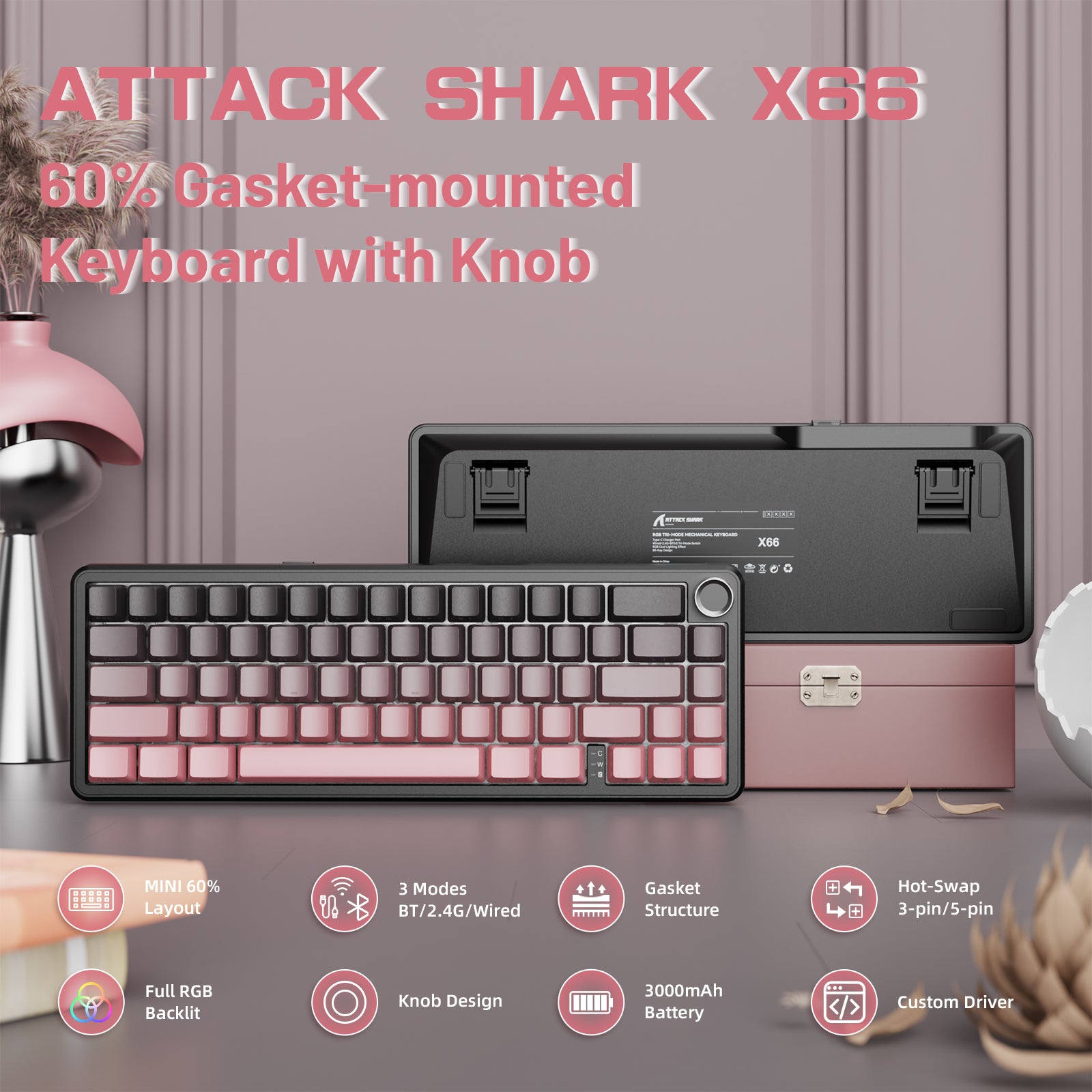
60% 컴팩트 레이아웃
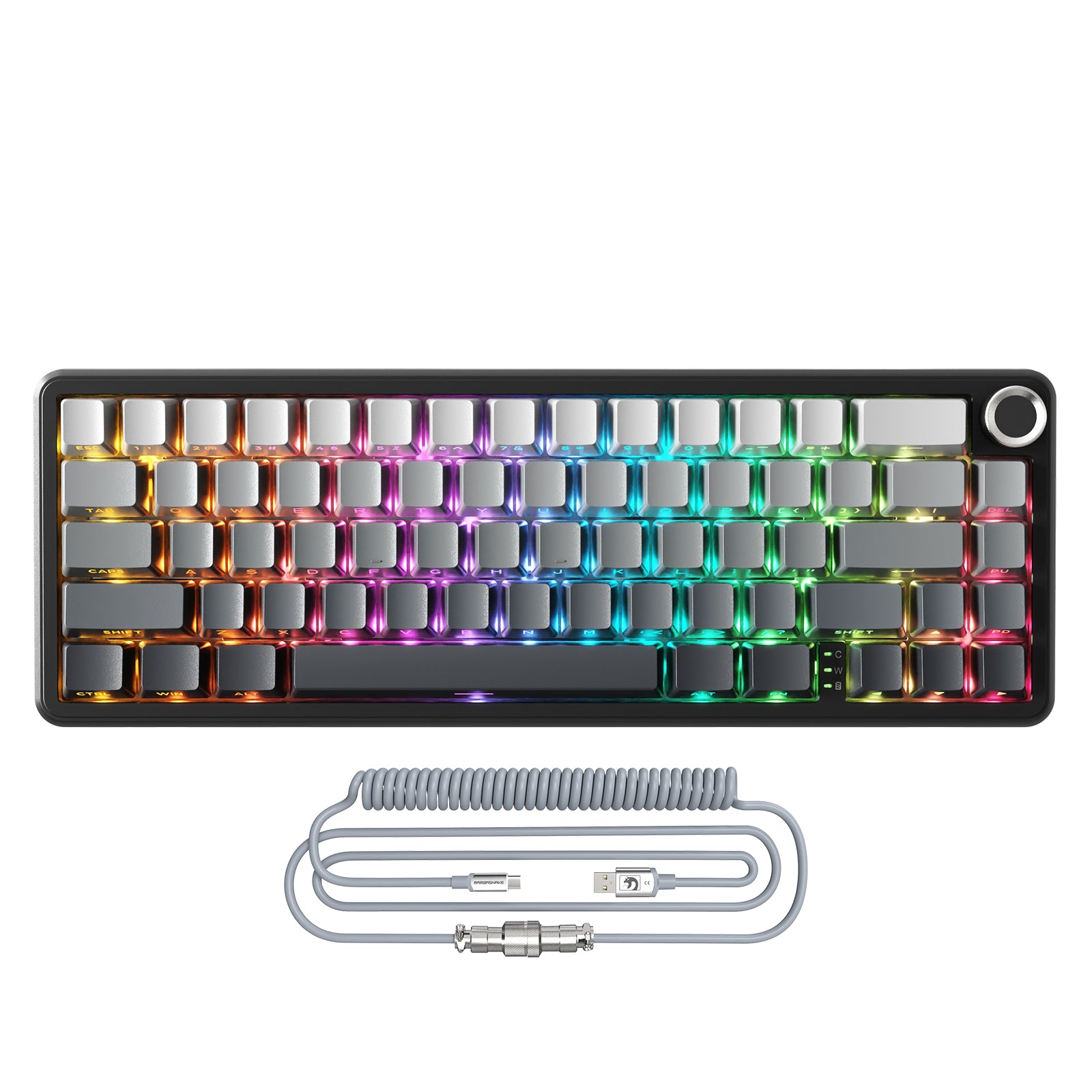
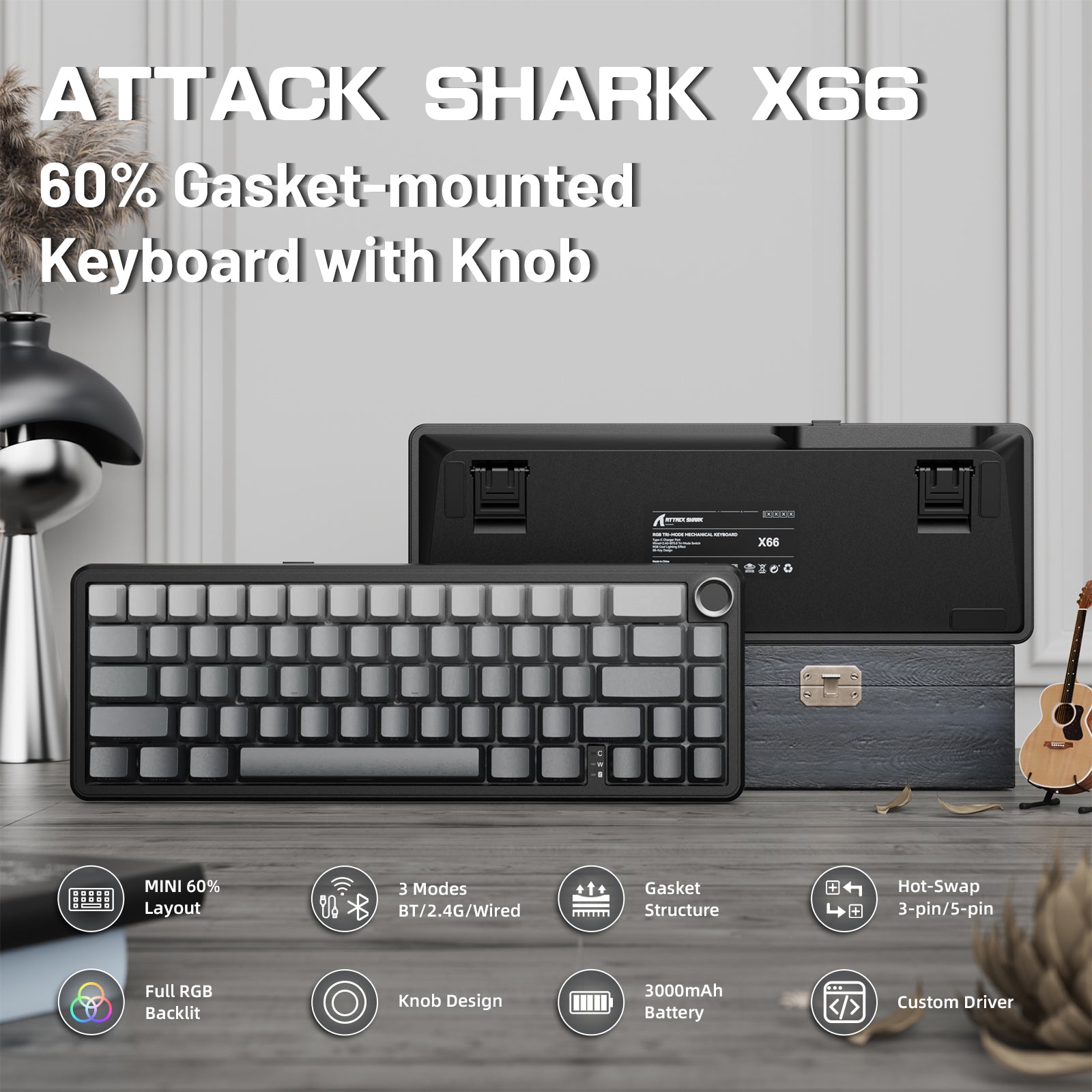
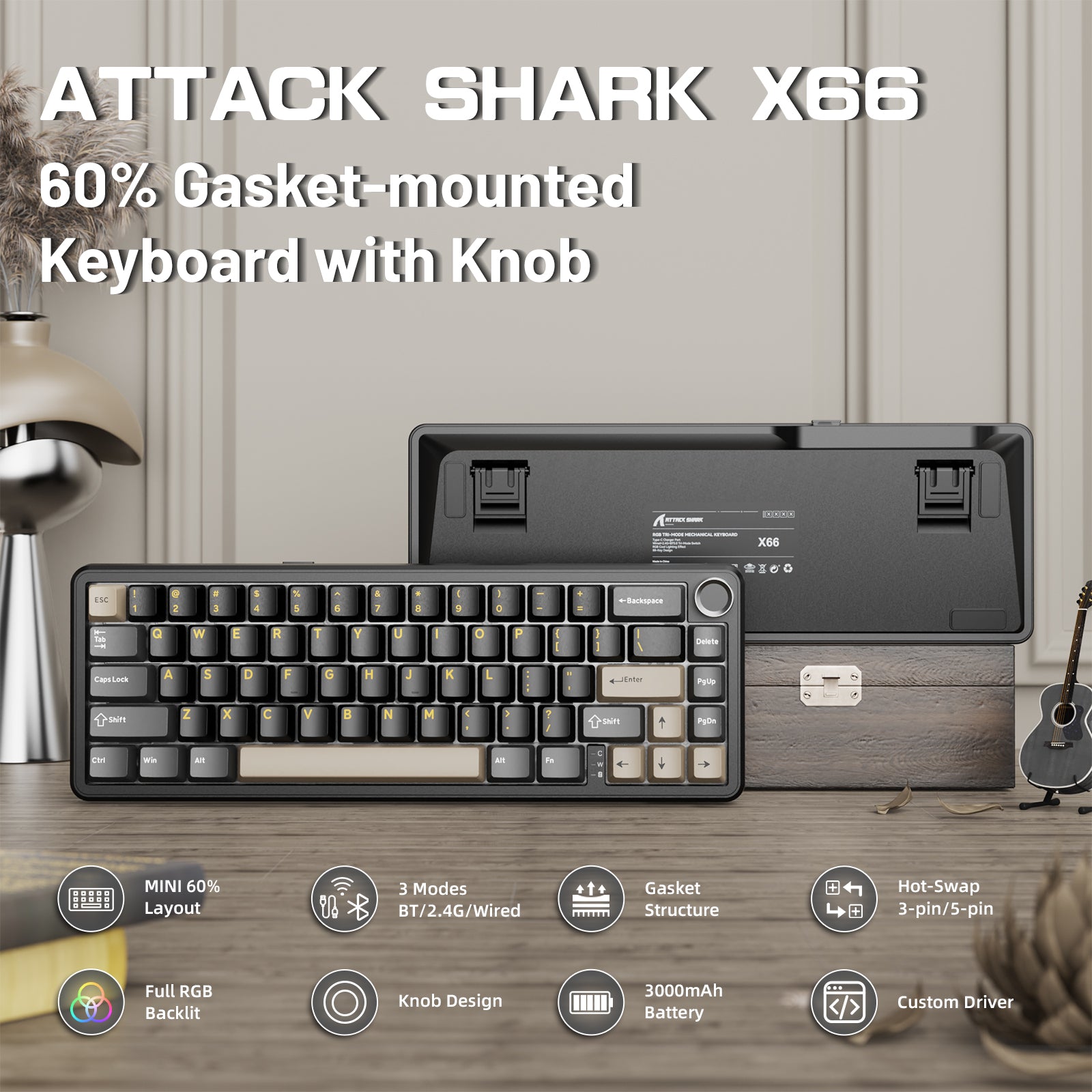
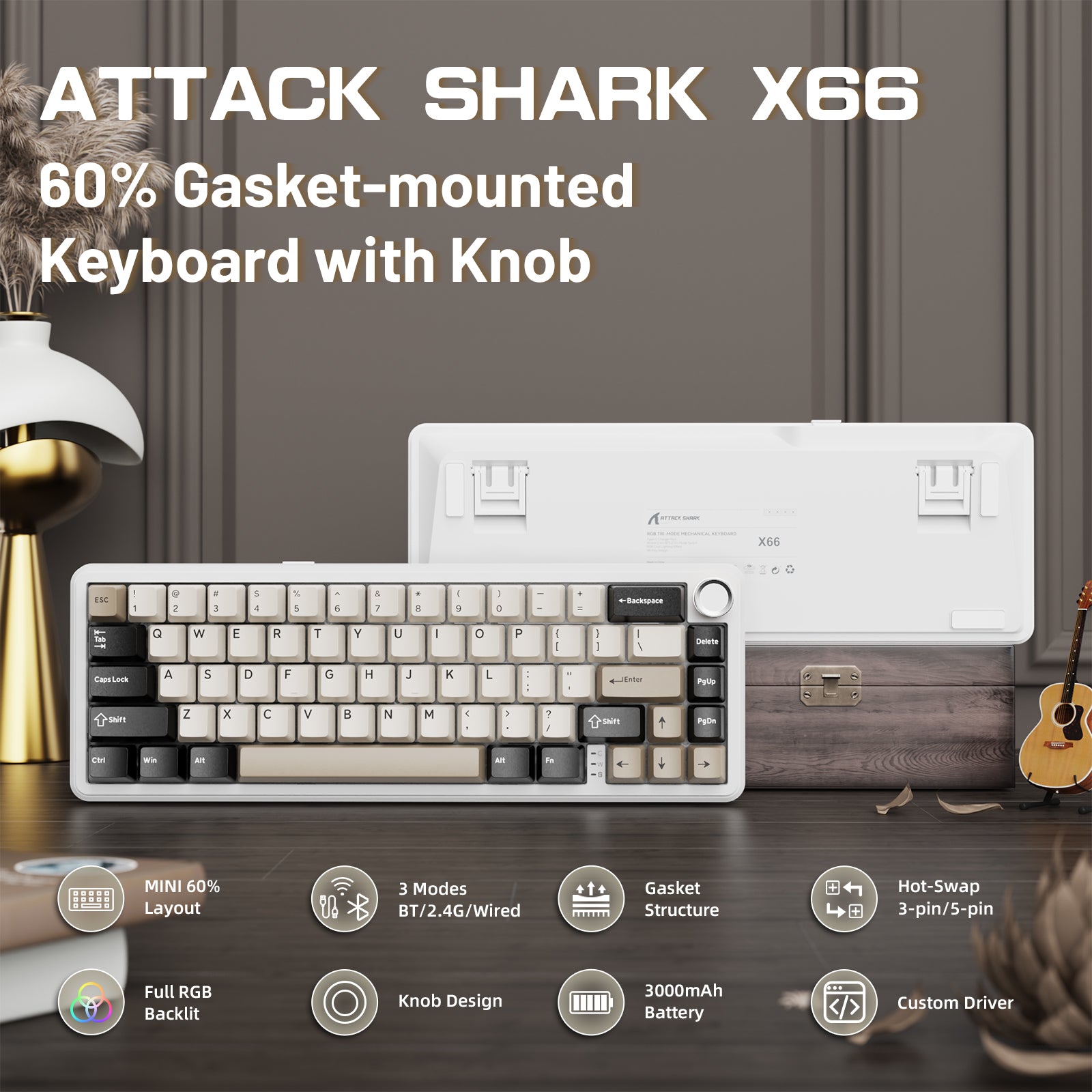
X66 게이밍 키보드는 66키의 60% 컴팩트 레이아웃으로 데스크 공간을 절약하면서 게이머에게 편안한 사용 경험을 제공합니다. 작은 크기와 가벼운 무게로 매우 휴대하기 편리한 기계식 키보드입니다.

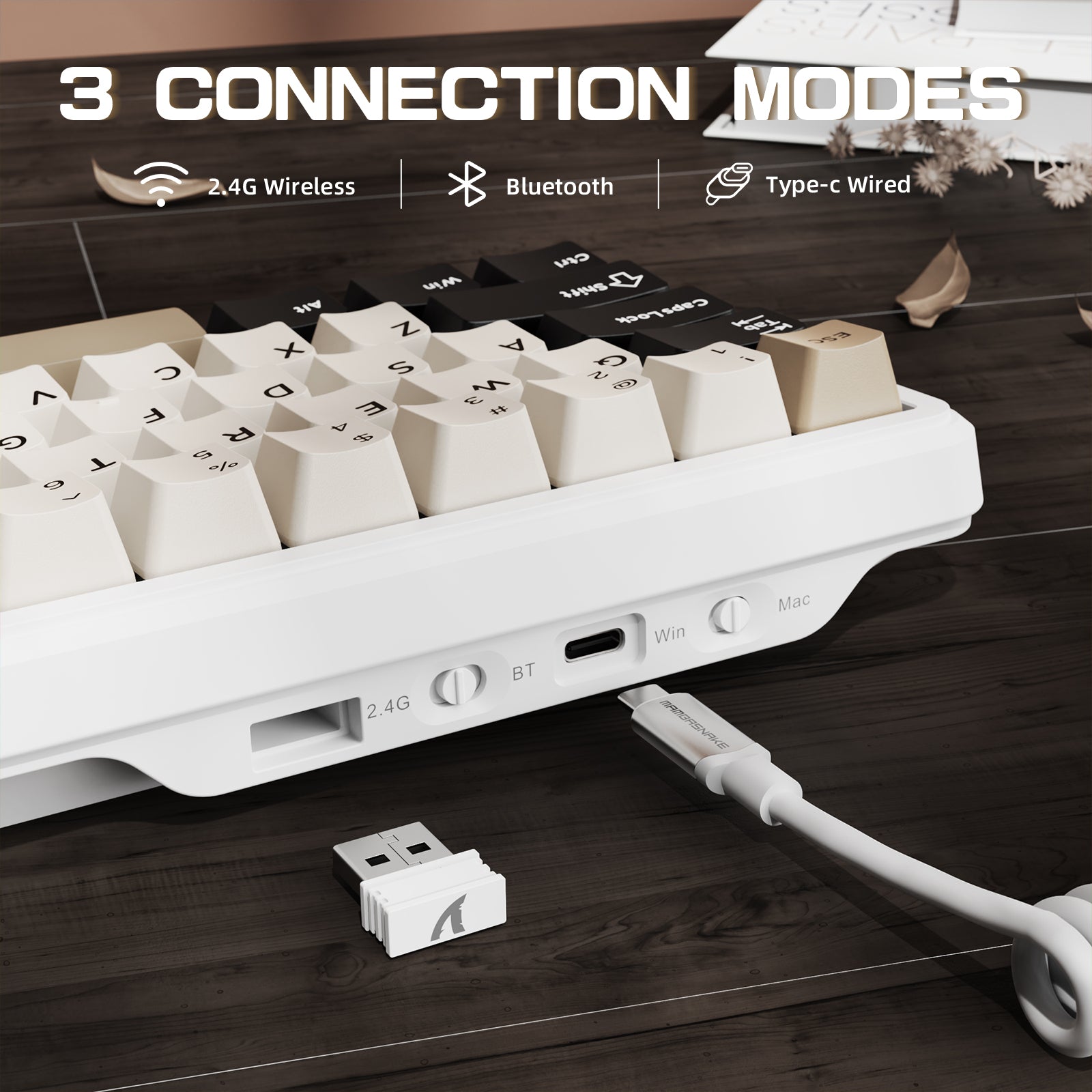
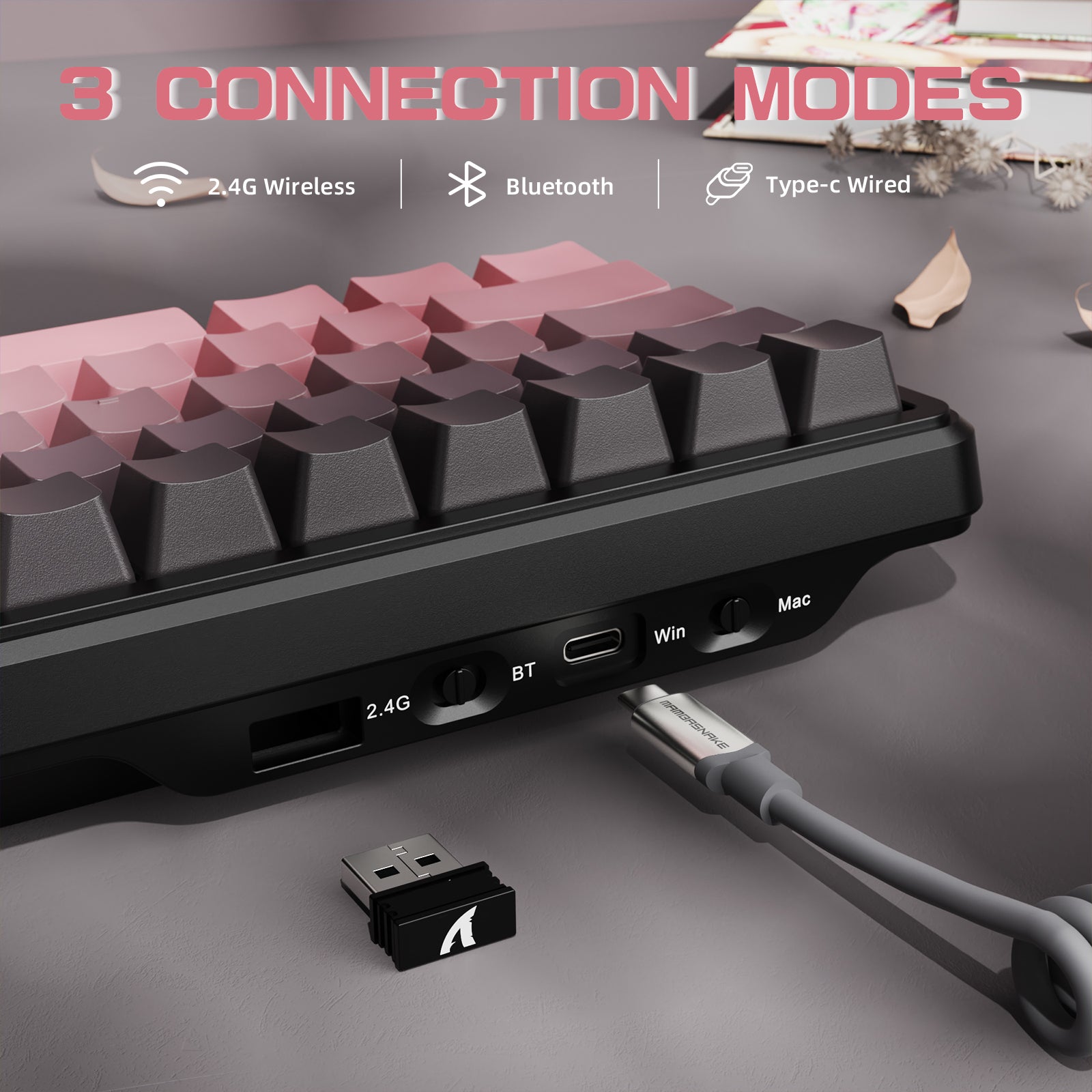
트라이 모드 무선 연결
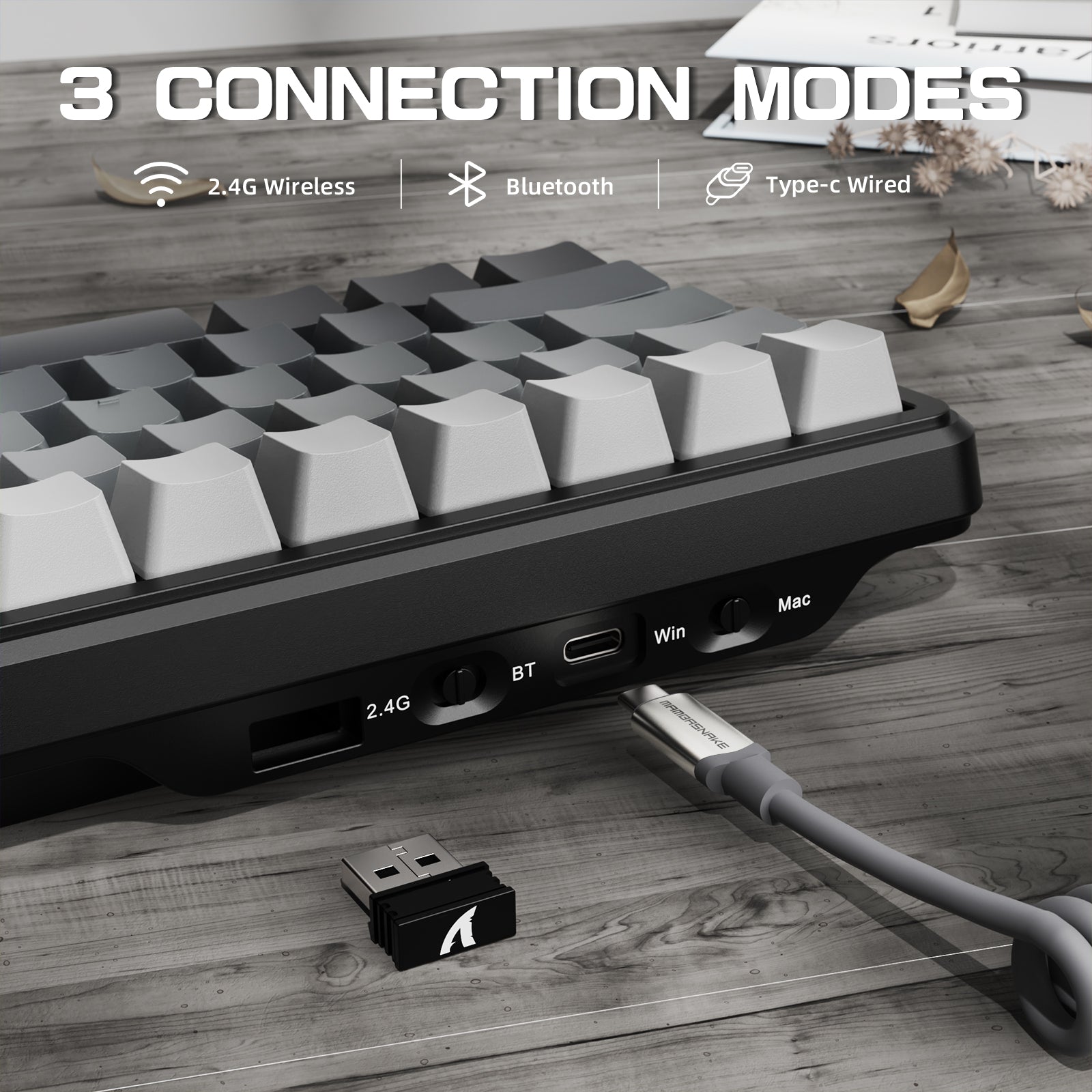
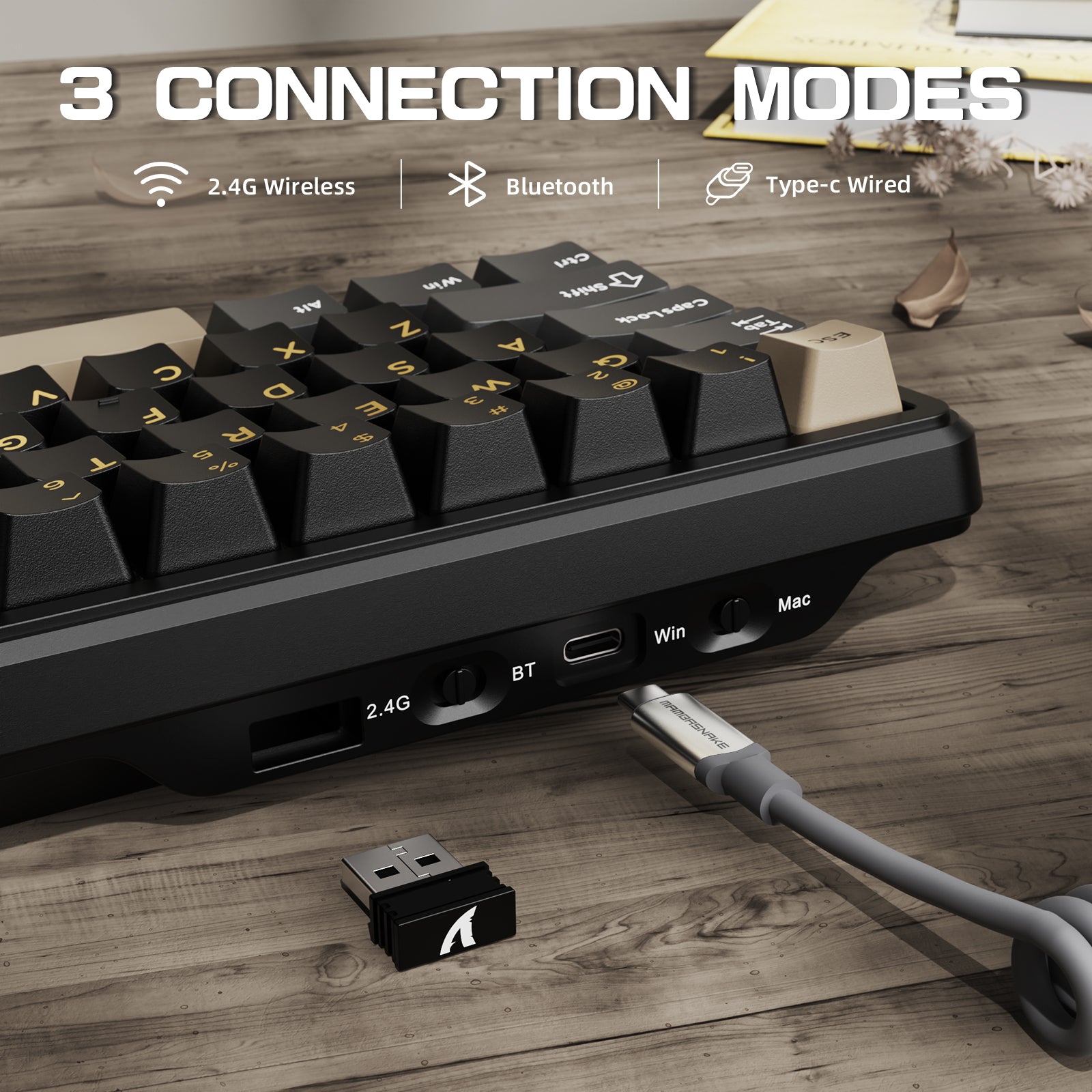
Attack Shark X66은 블루투스 5.0, 2.4GHz 무선, USB 유선 연결을 지원하여 여러 기기를 동시에 연결할 수 있습니다. Win/Mac 모두 호환되며, 대용량 3000mAh 배터리를 탑재해 장시간 사용이 가능합니다.

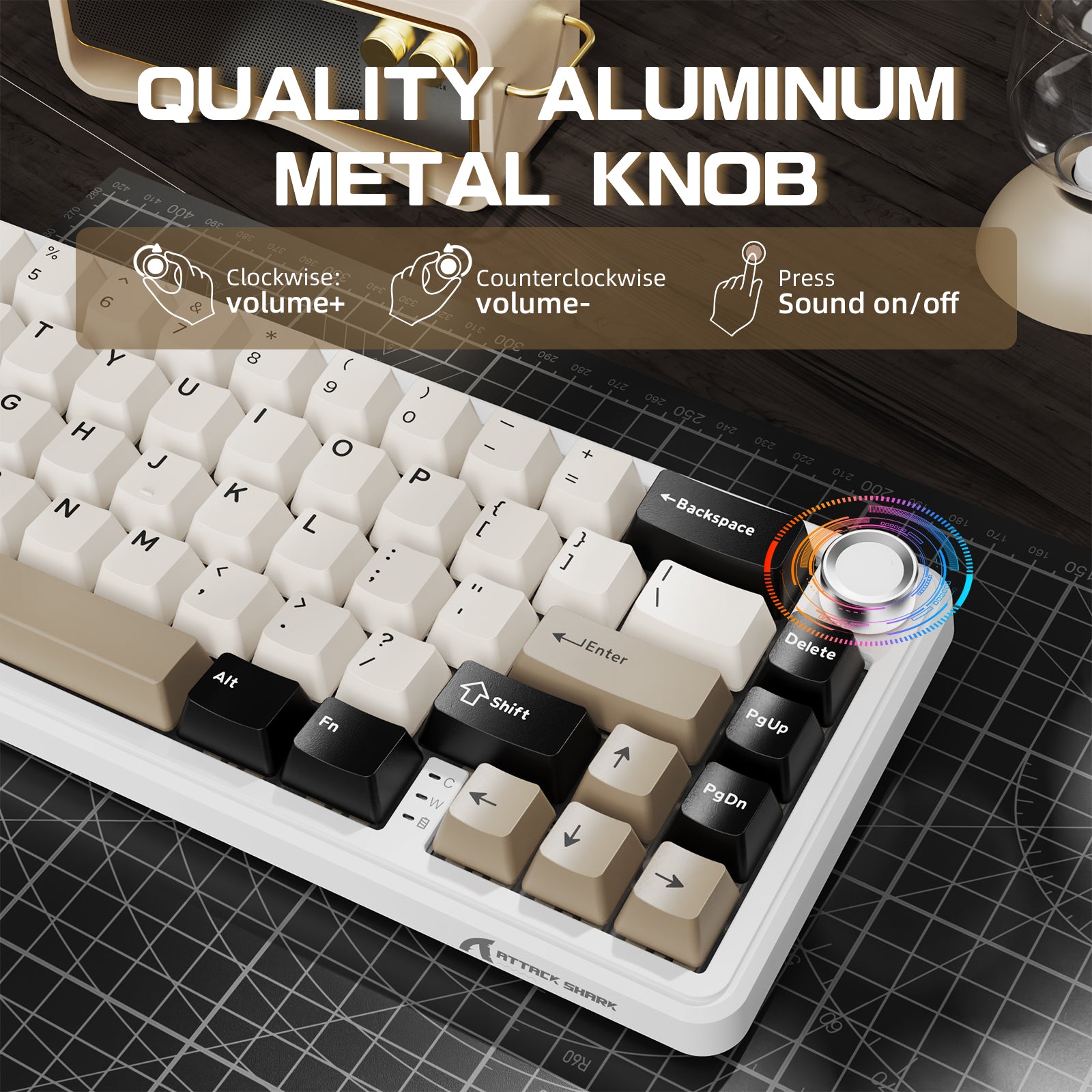
다이내믹 RGB & 볼륨 노브
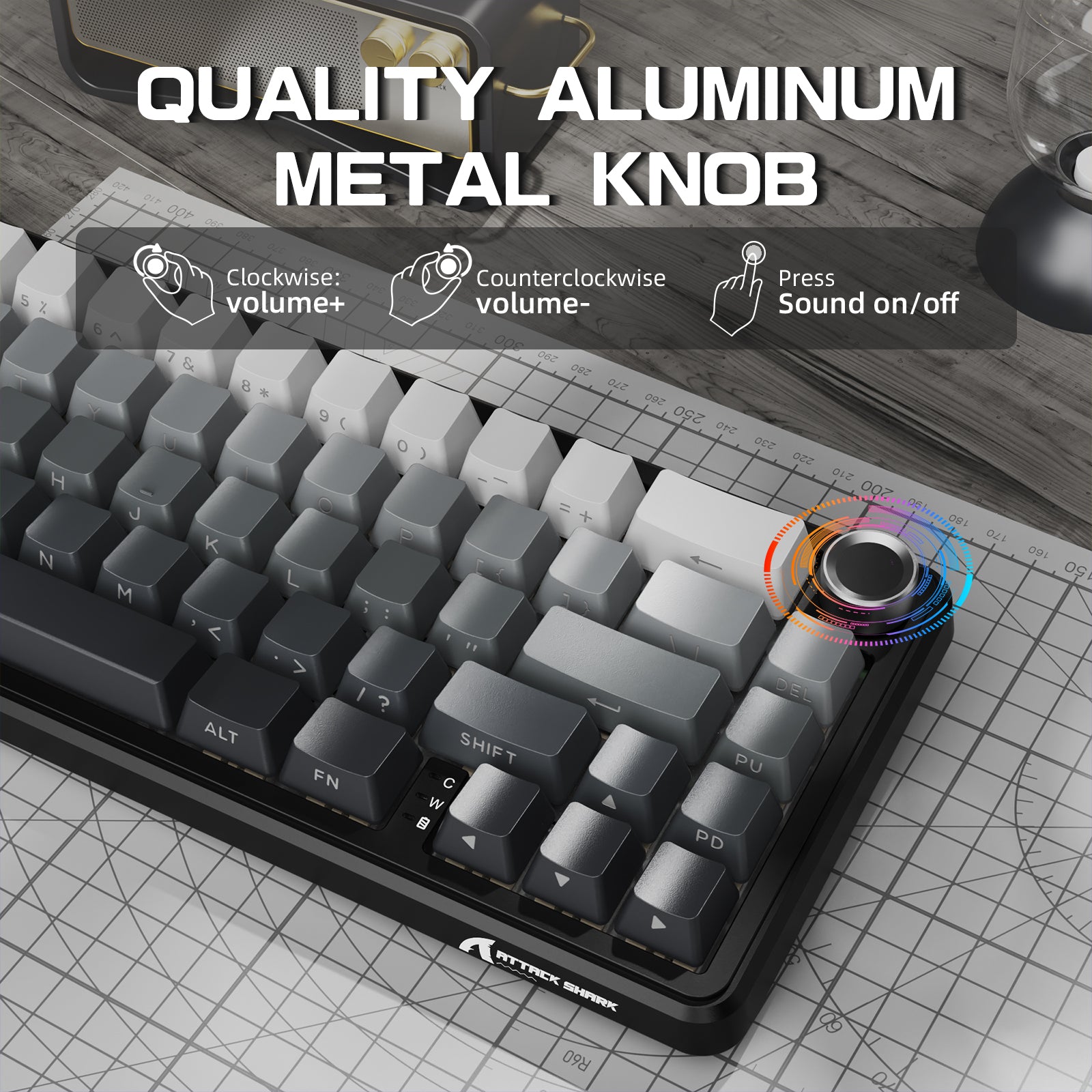
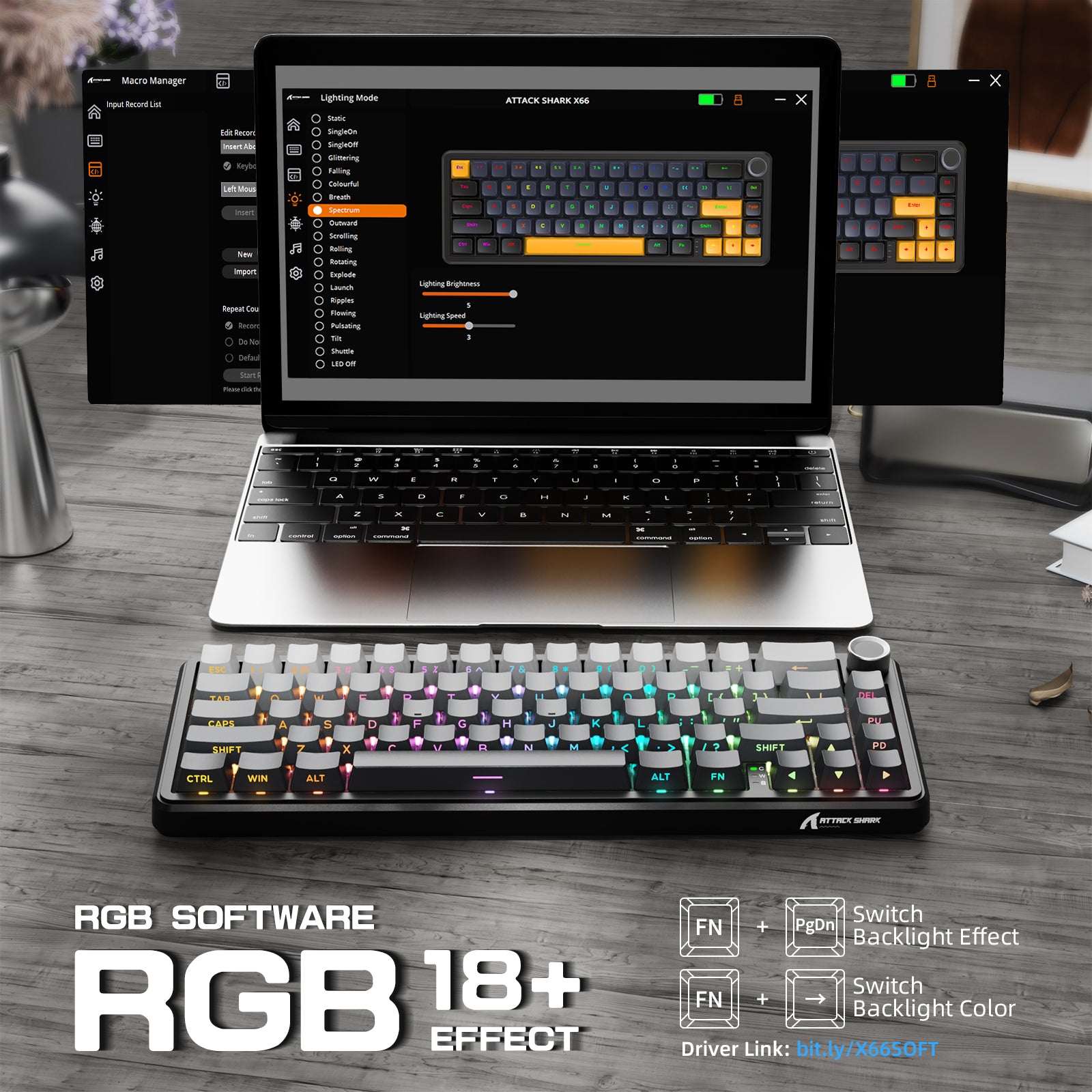
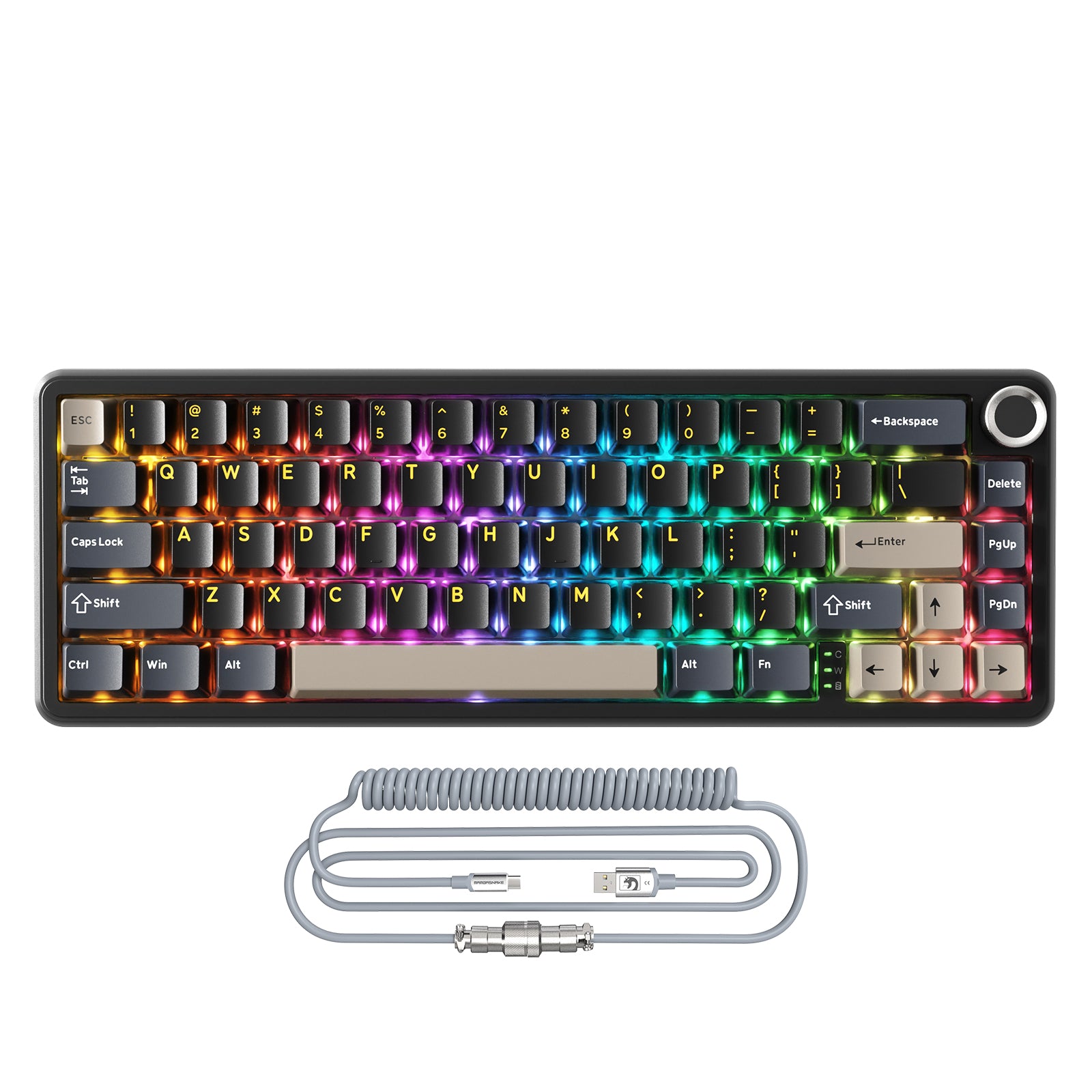
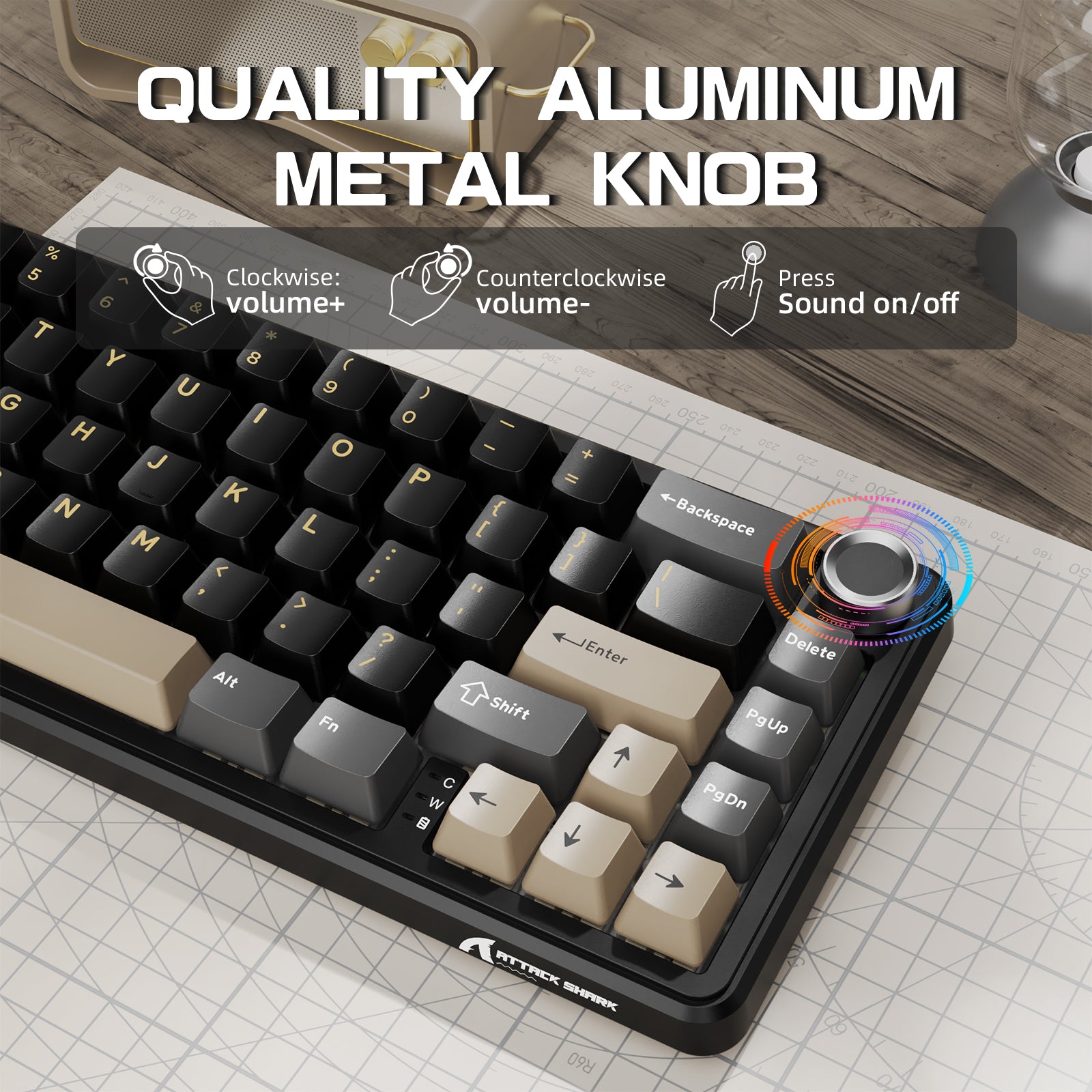
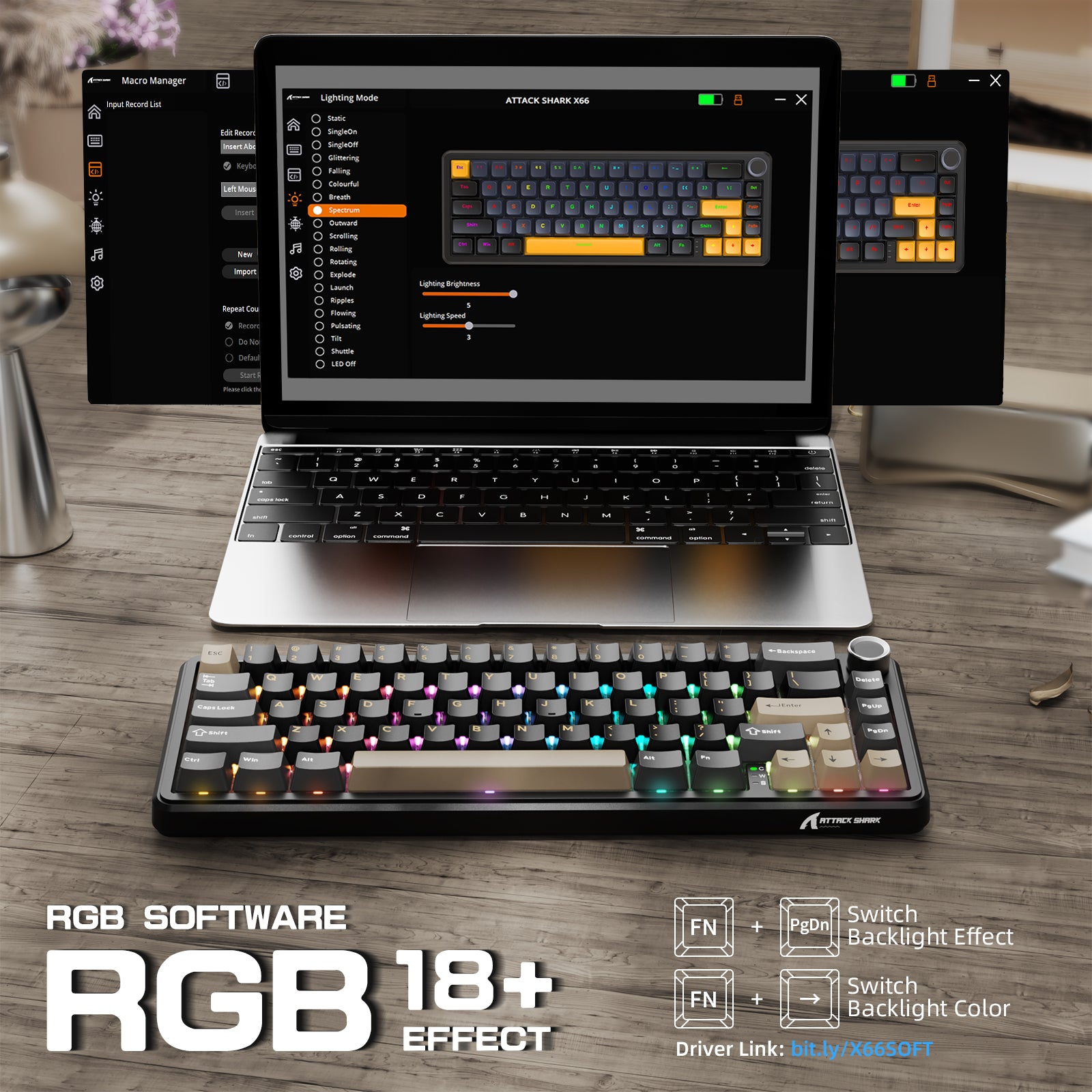
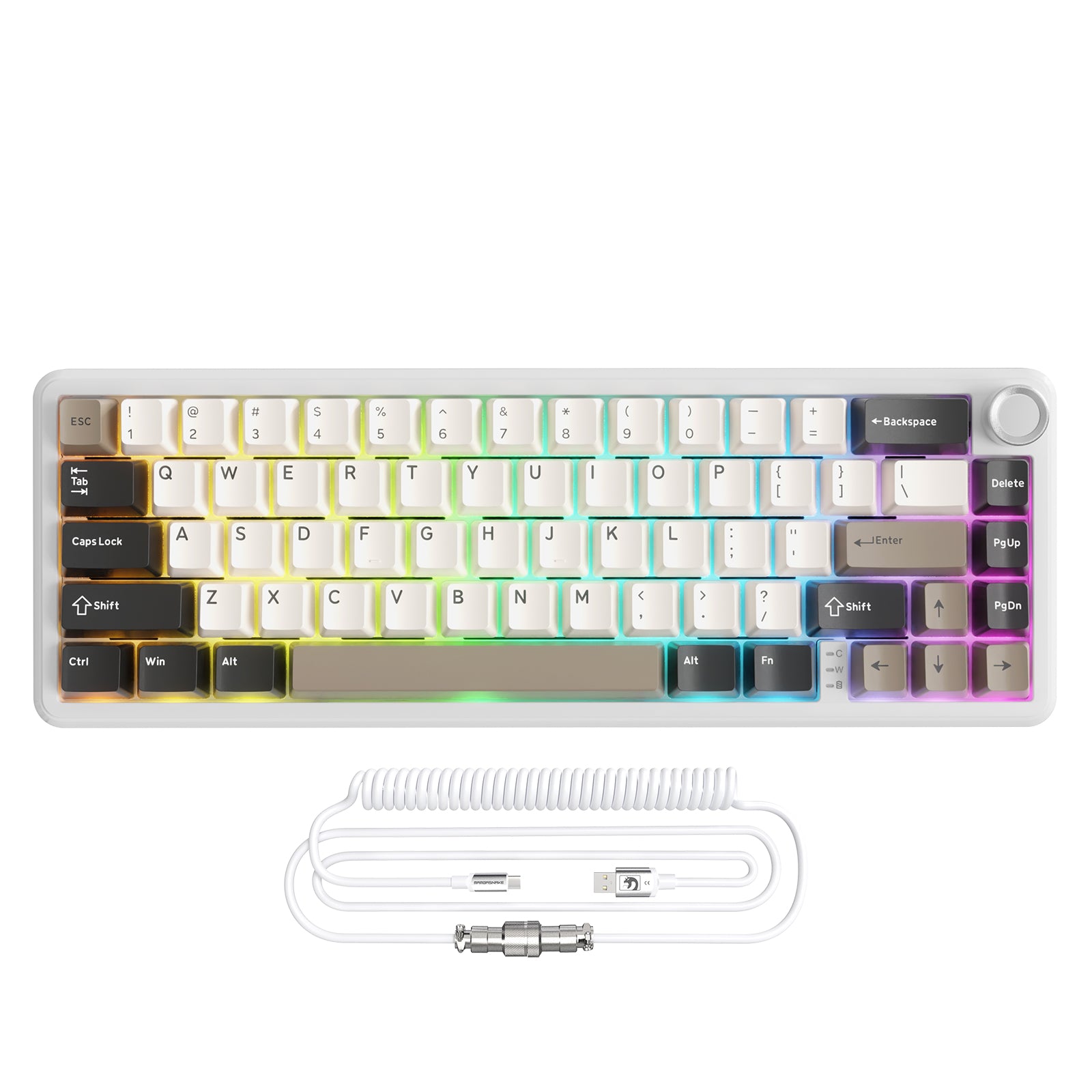
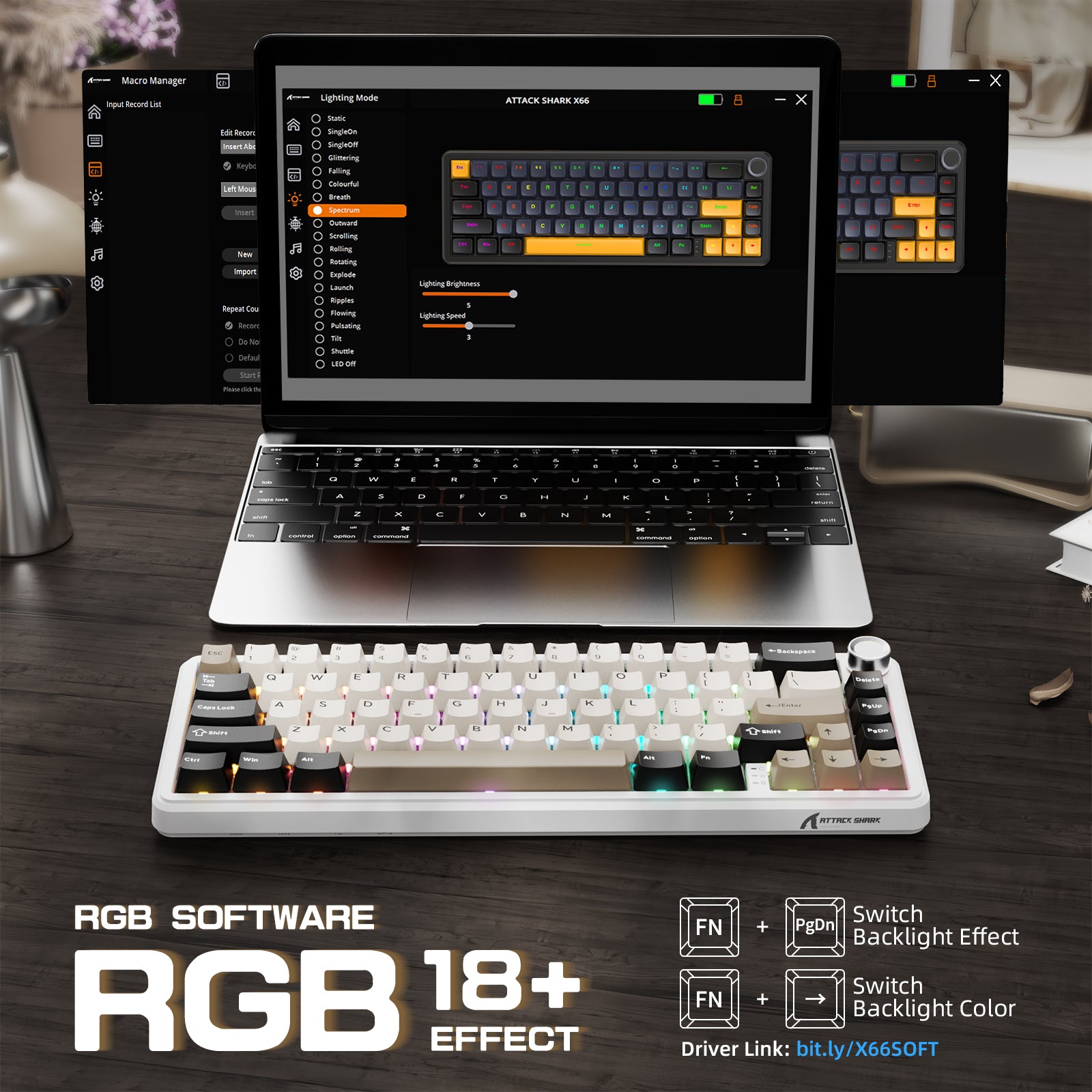
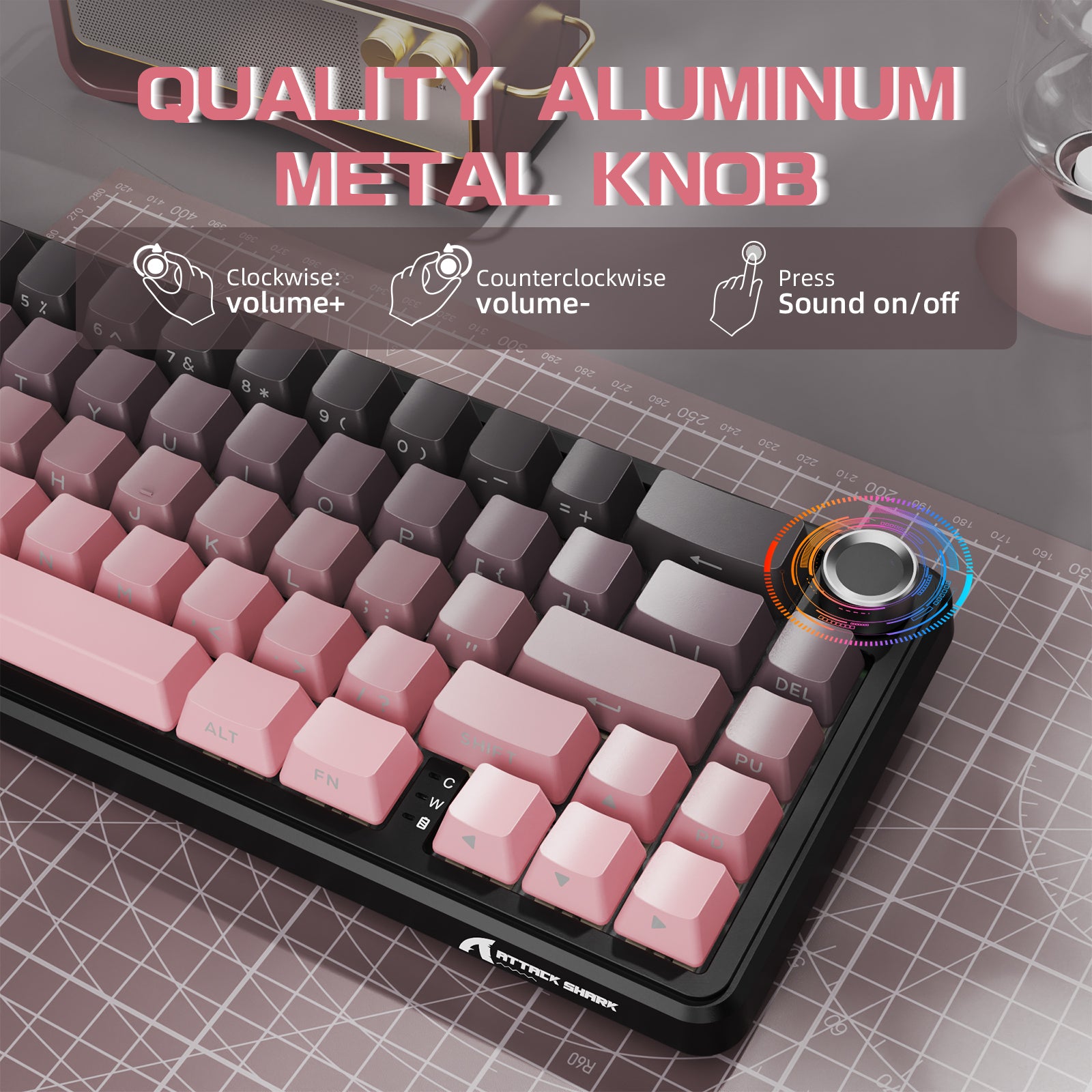
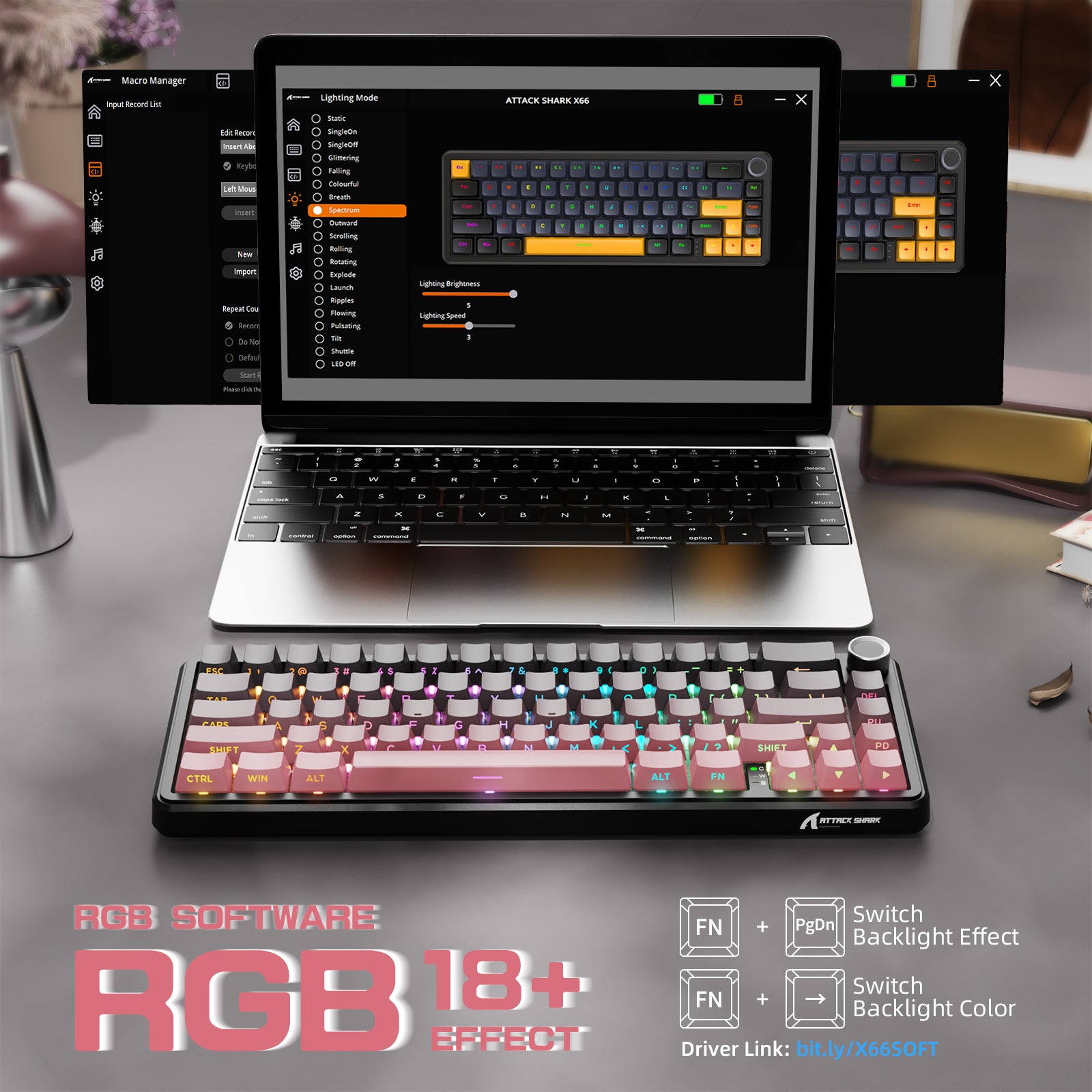
이 60% 기계식 키보드는 18개의 생생한 RGB 백라이트를 갖추어 어두운 환경에서도 각 키를 쉽게 식별할 수 있습니다. 세련된 볼륨 노브가 유용성을 높여 빠르고 간편한 오디오 조절을 가능하게 합니다.

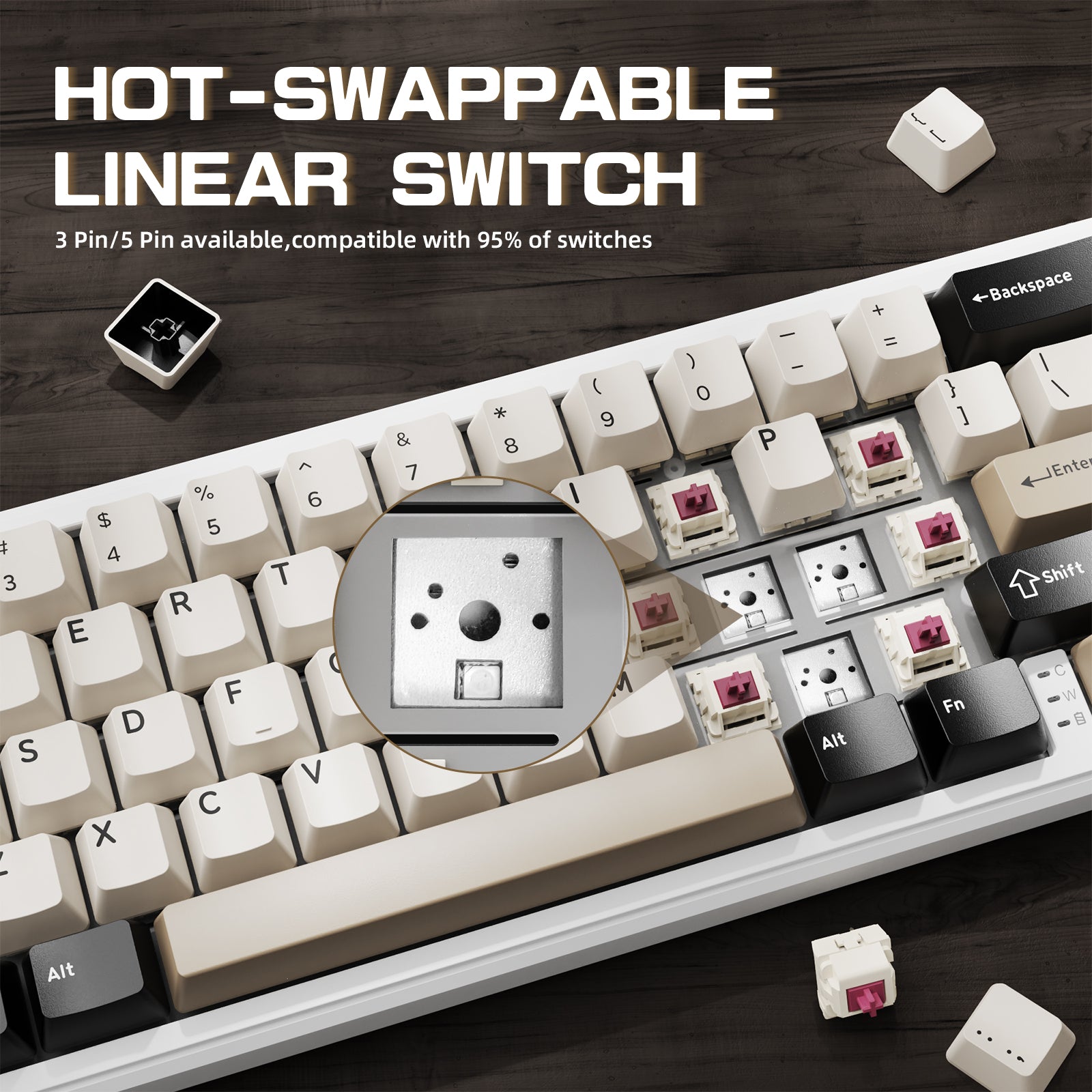
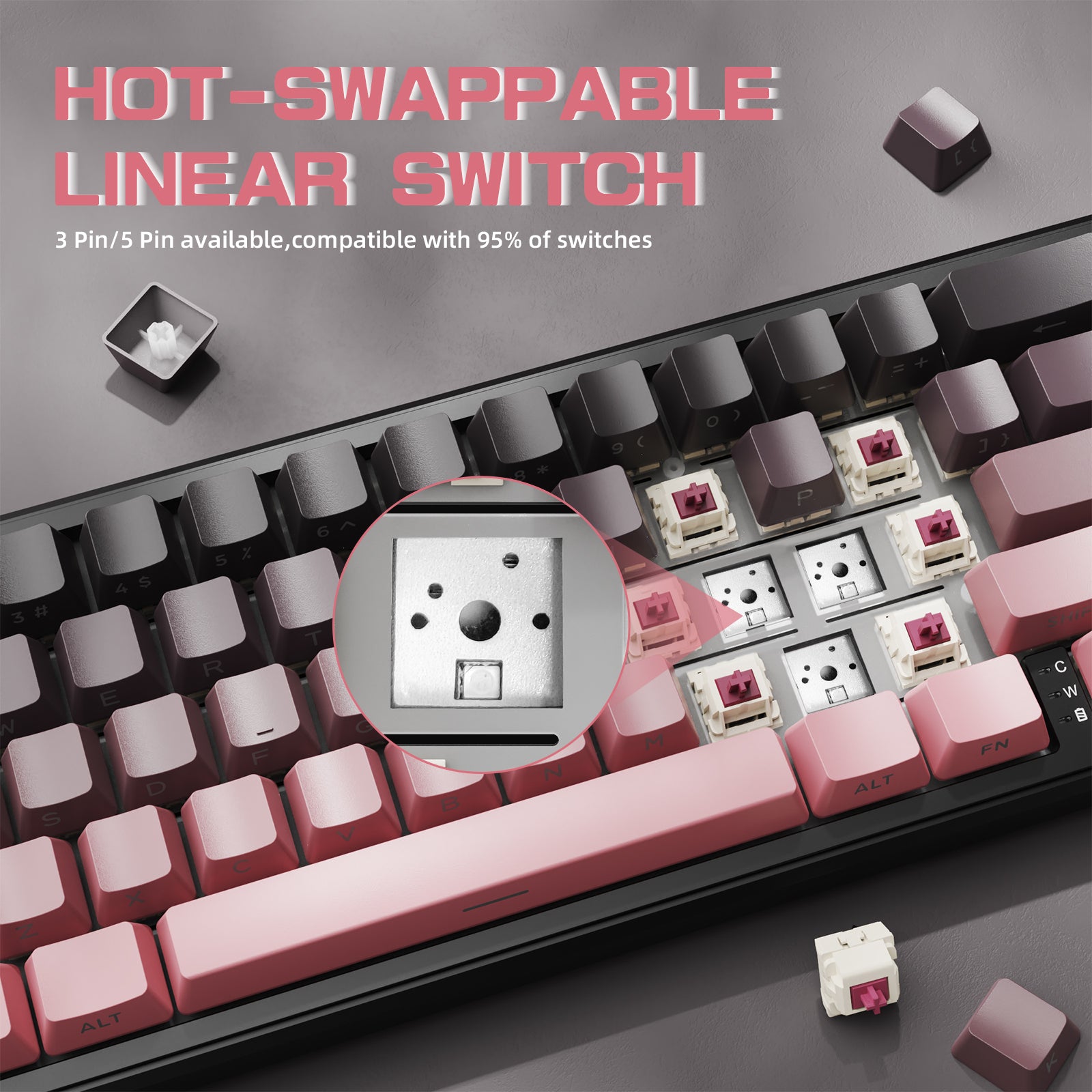
핫스왑 & 가스켓 구조
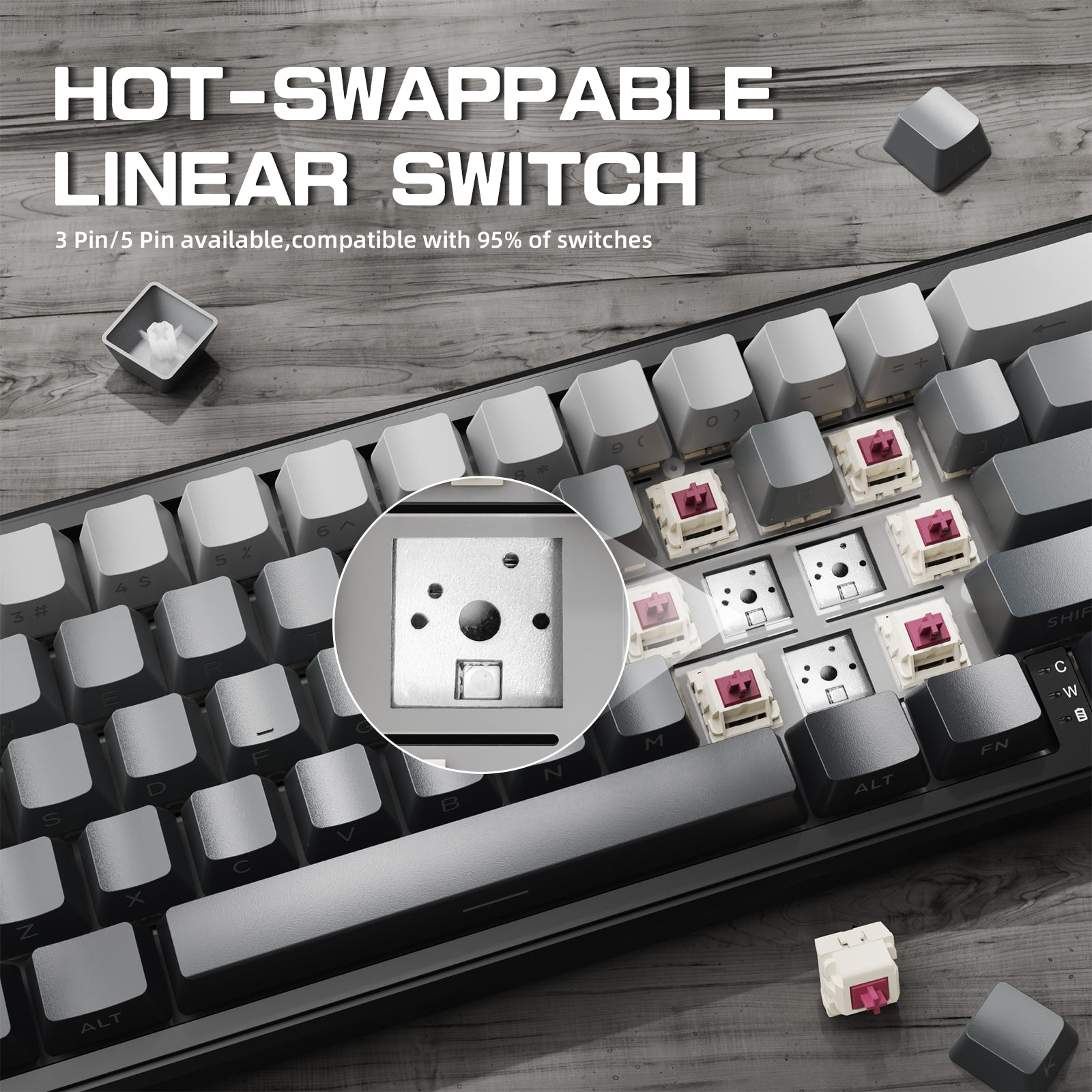
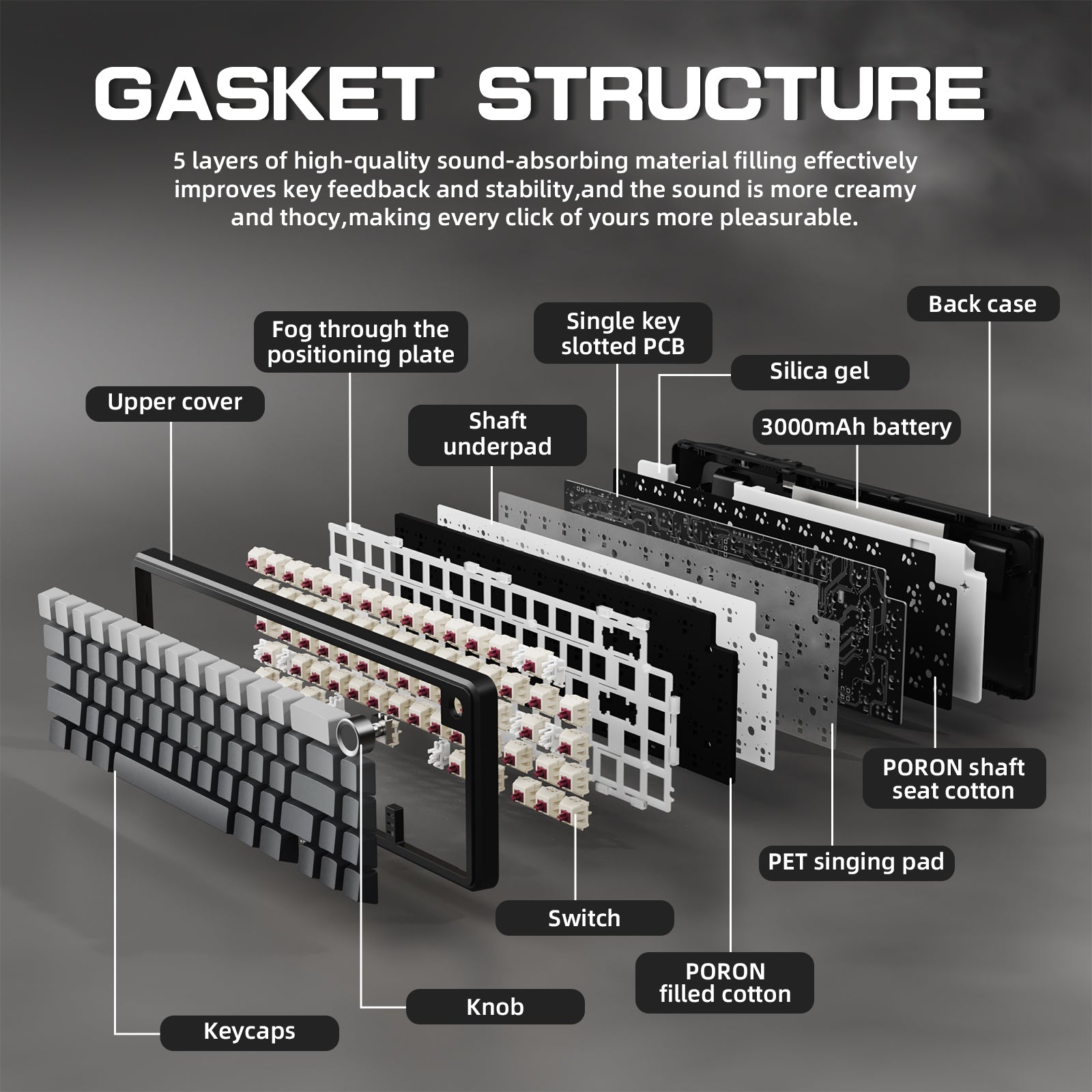
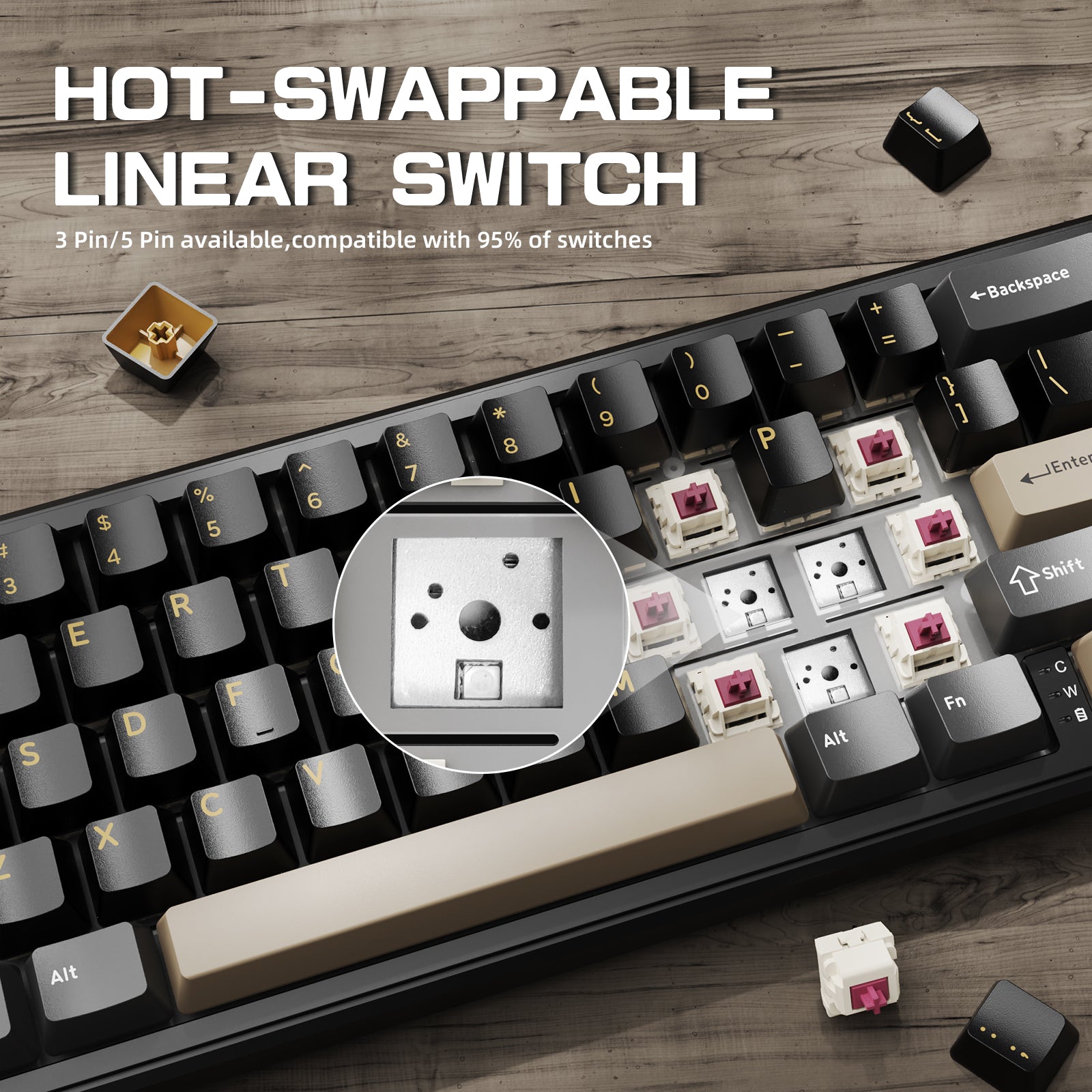
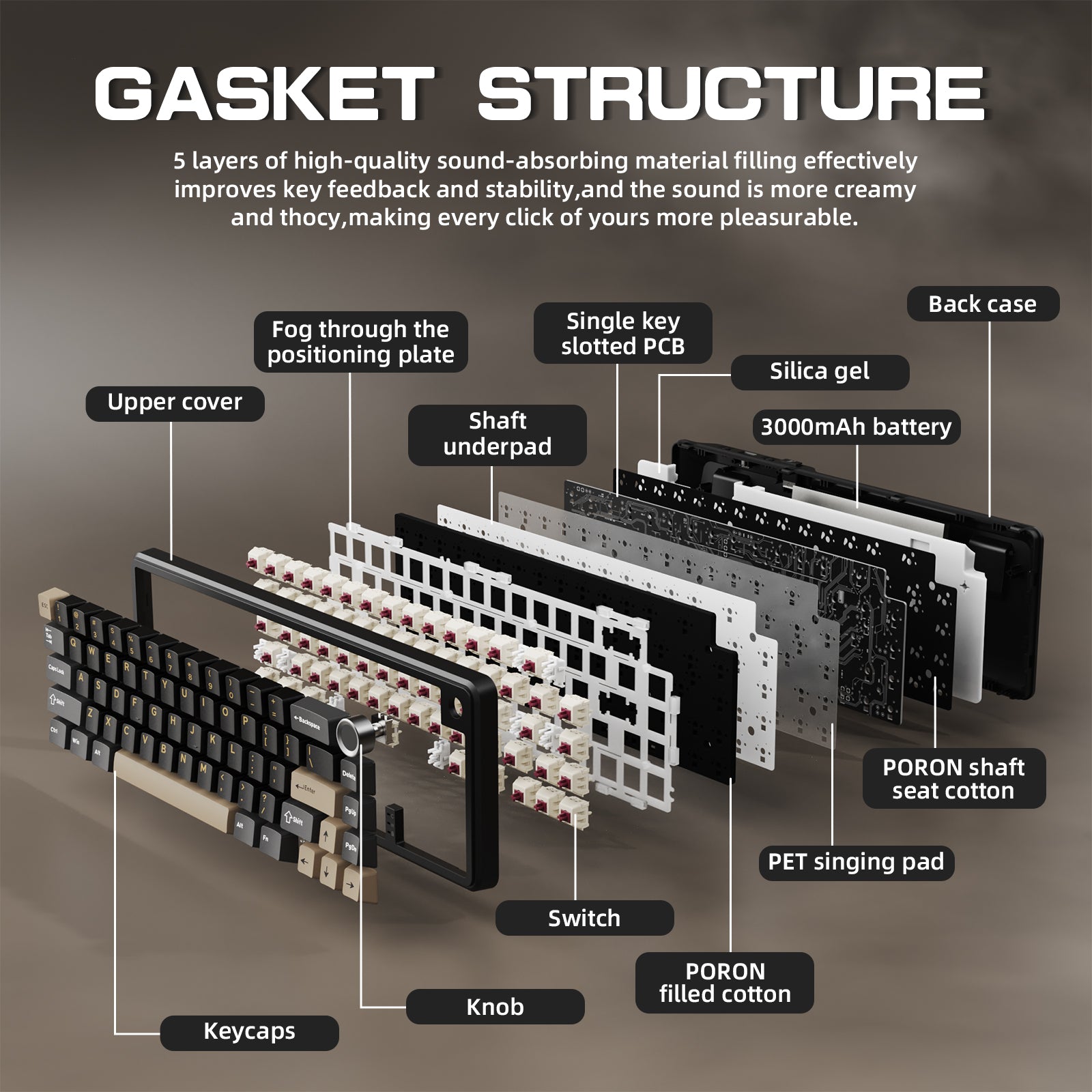
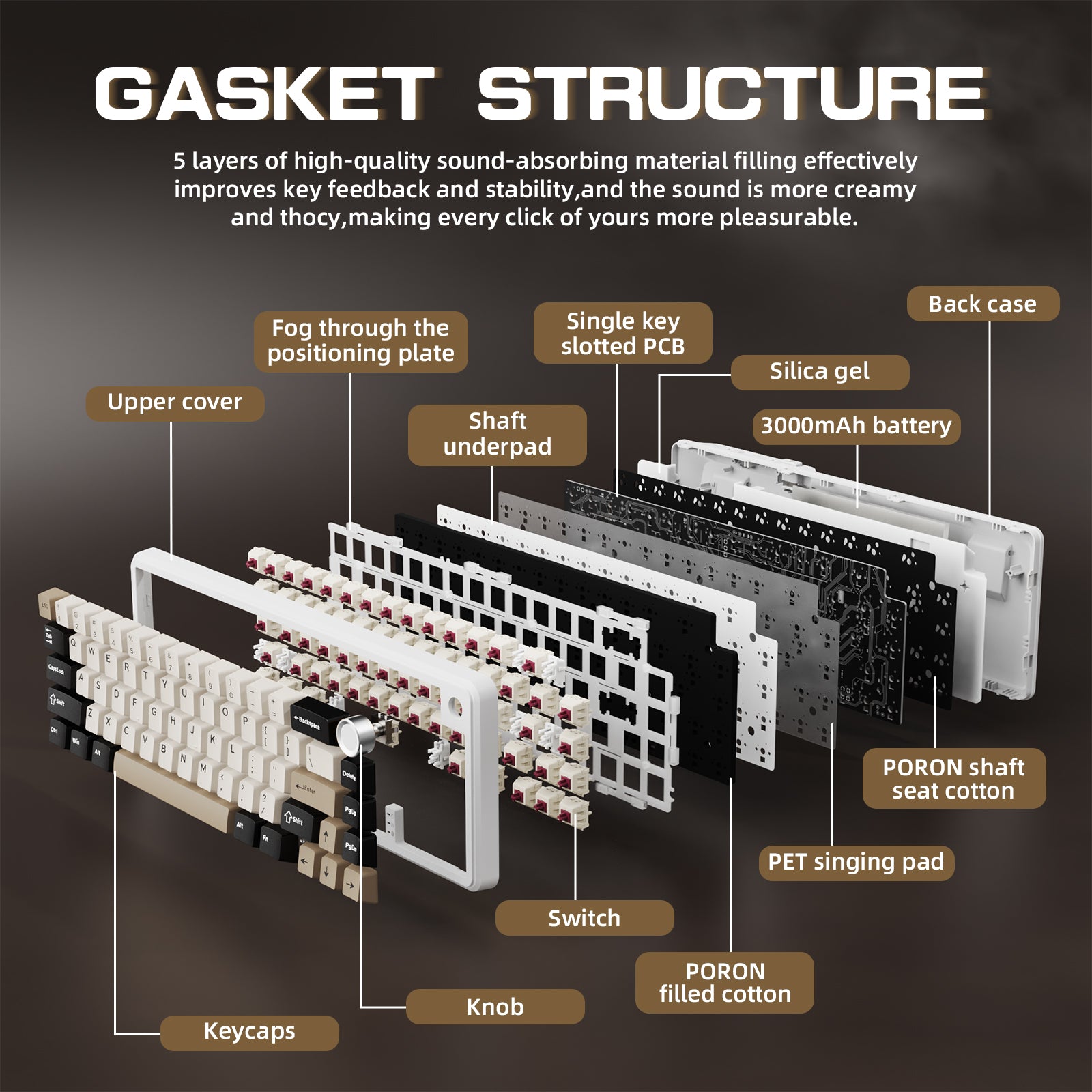
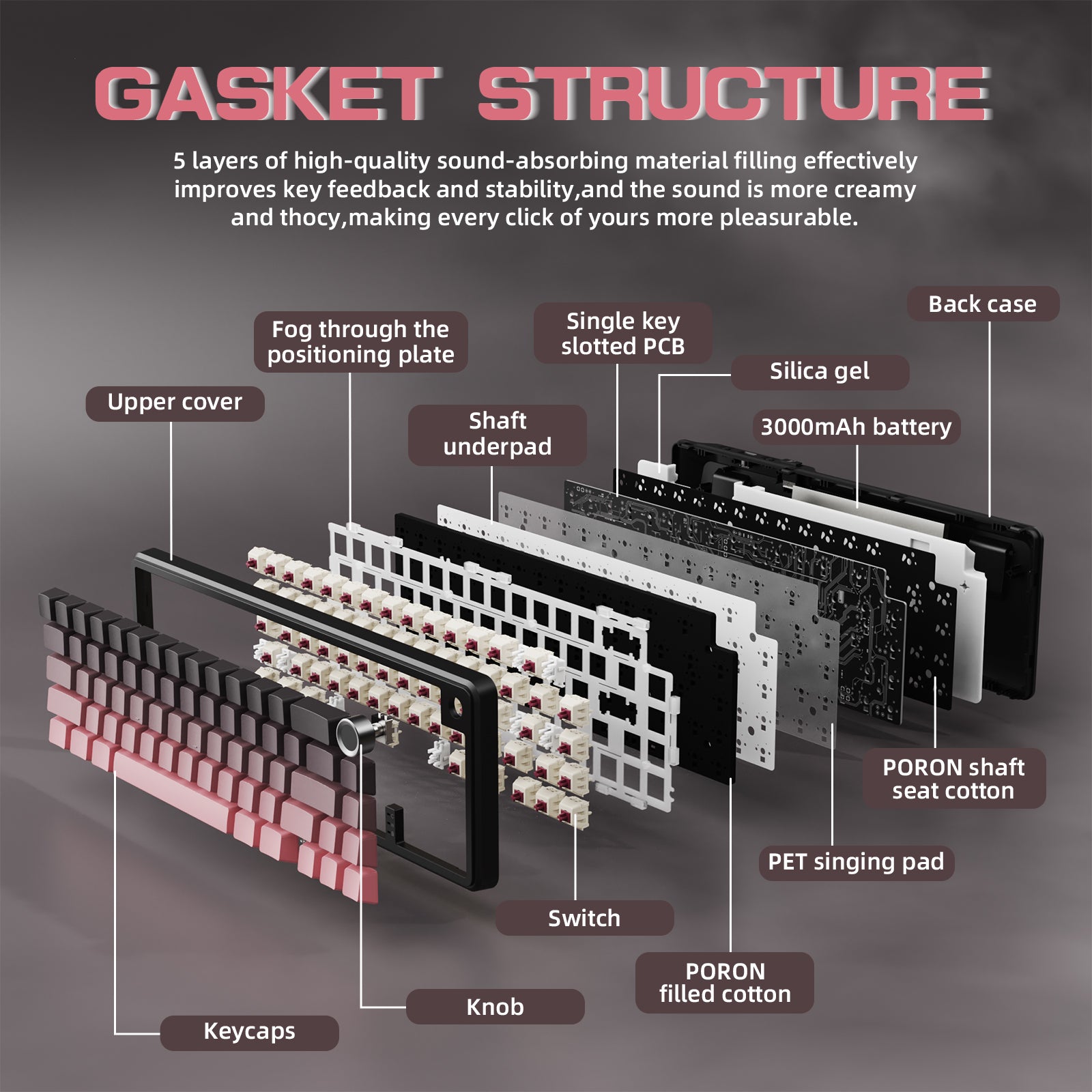
이 핫스왑 키보드는 사용자가 납땜 없이 스위치(3핀 및 5핀)를 쉽게 맞춤 설정할 수 있습니다. 5중 방음 가스켓 구조가 챔버 소음을 효과적으로 차단하여 더 깨끗한 타건음을 제공합니다.

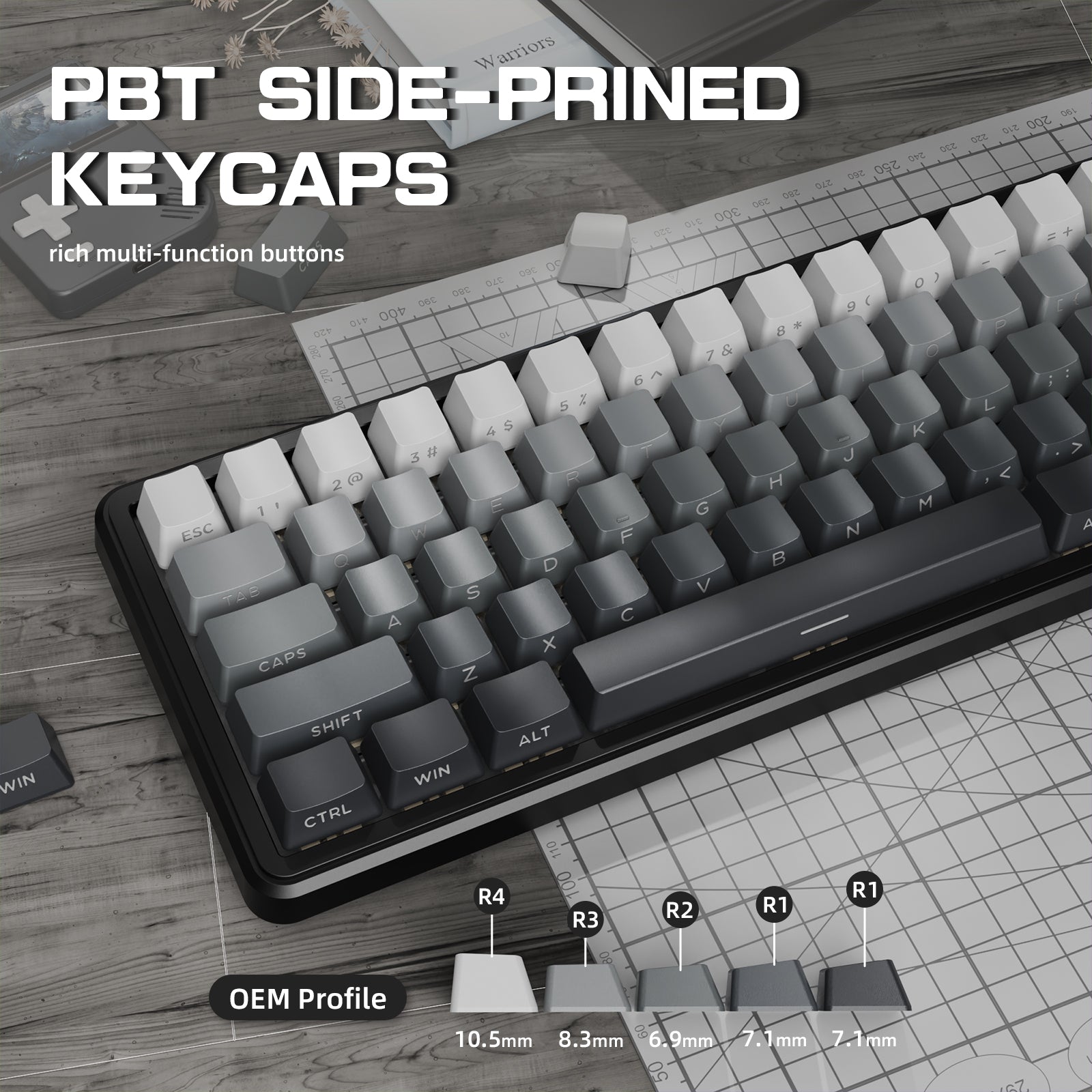
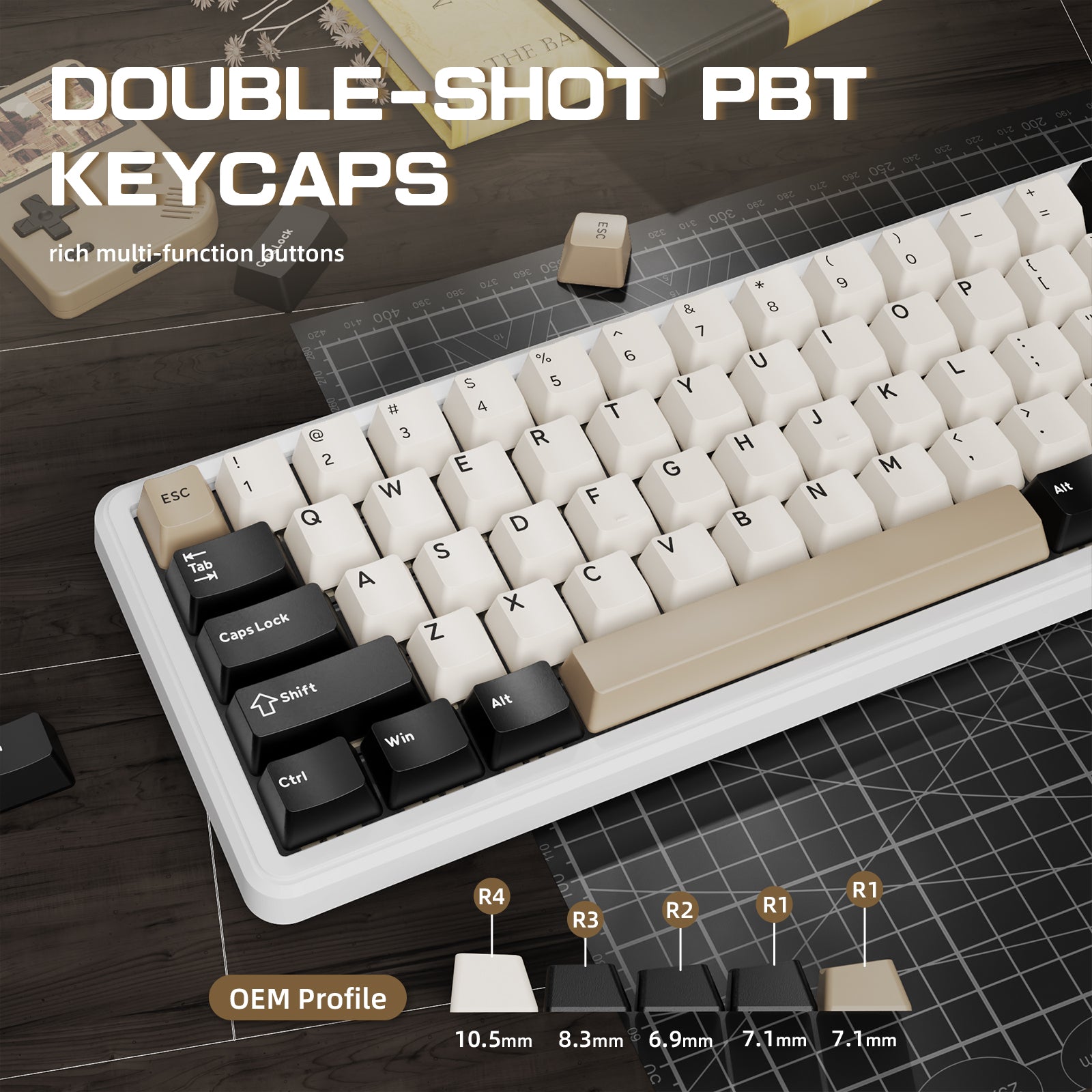
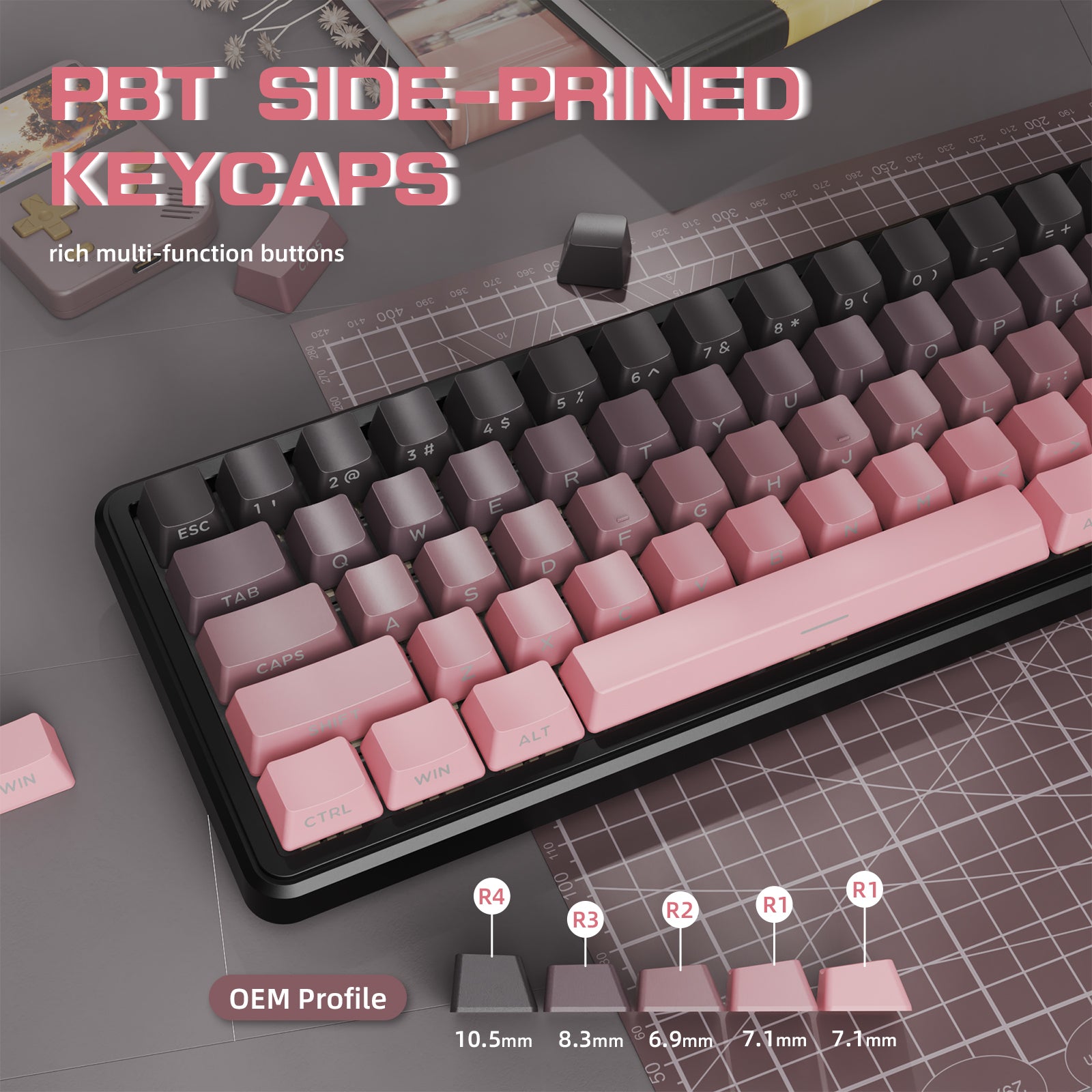
측면 인쇄 PBT 키캡
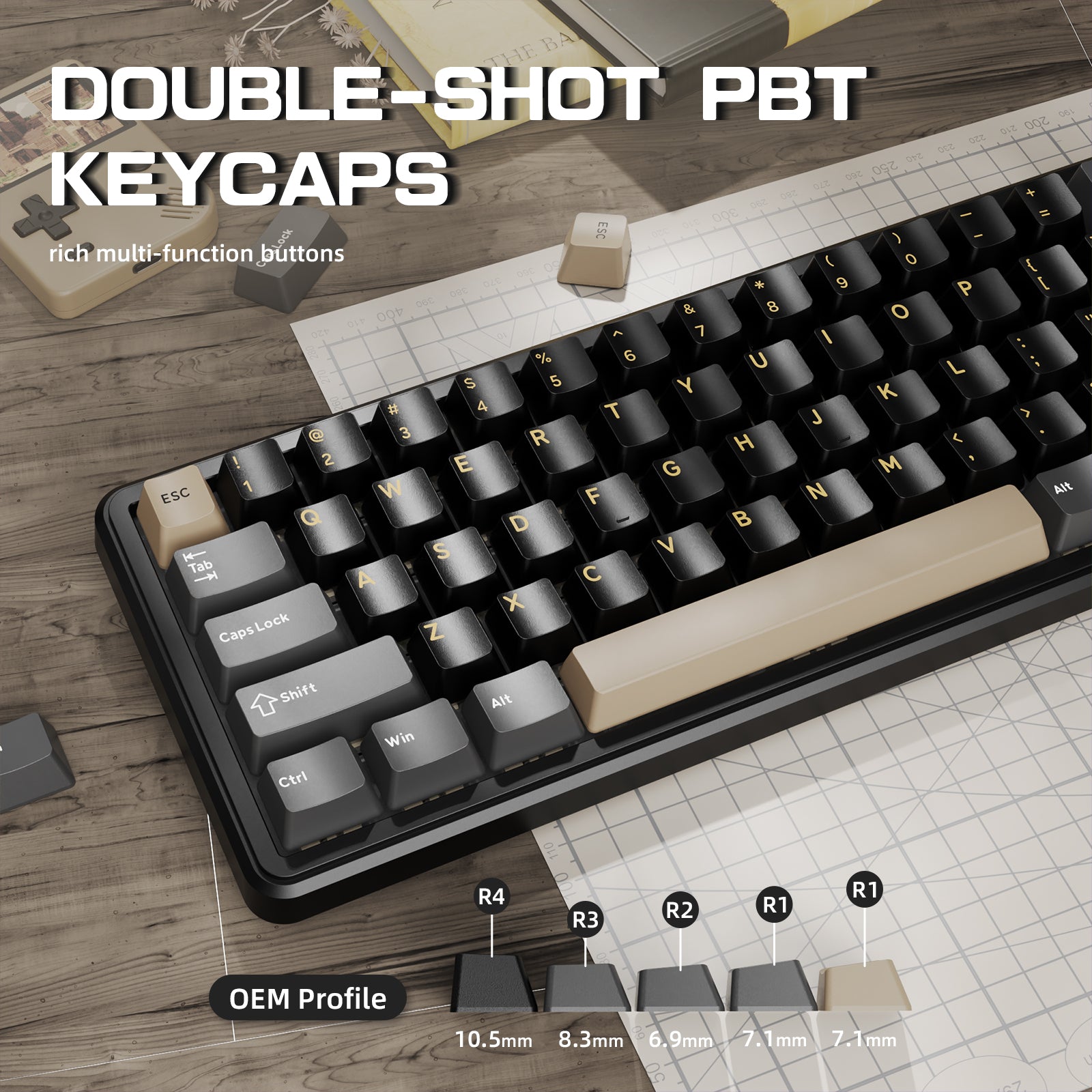
내구성이 뛰어나고 기름에 강한 PBT 키캡은 우수한 촉감 피드백을 제공하며 시간이 지나도 색상을 유지합니다. 측면 인쇄된 문자는 2색 사출 성형 공정을 사용하여 제작되어 색 바램을 방지하고 내구성을 보장합니다.

맞춤형 코일 키보드 케이블
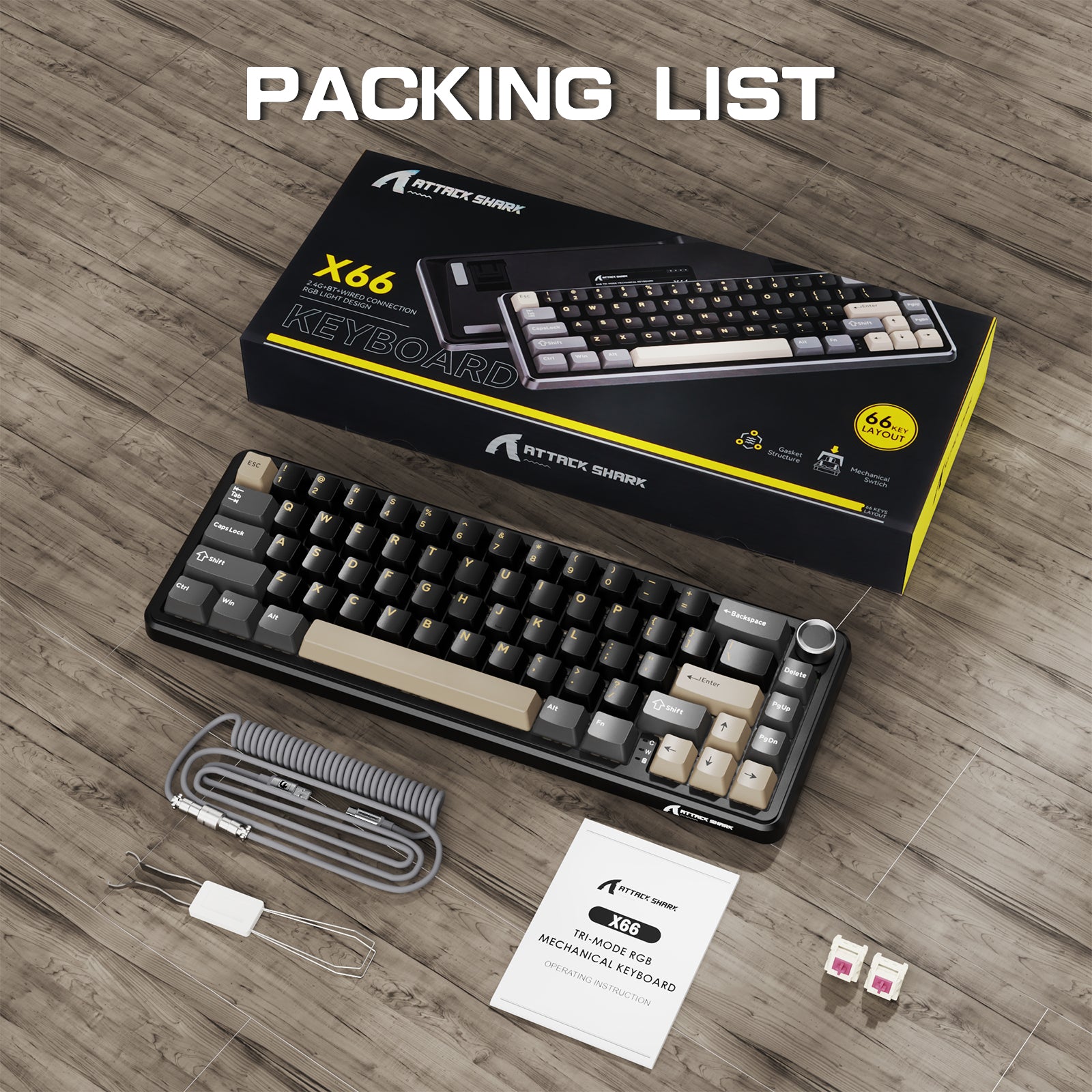
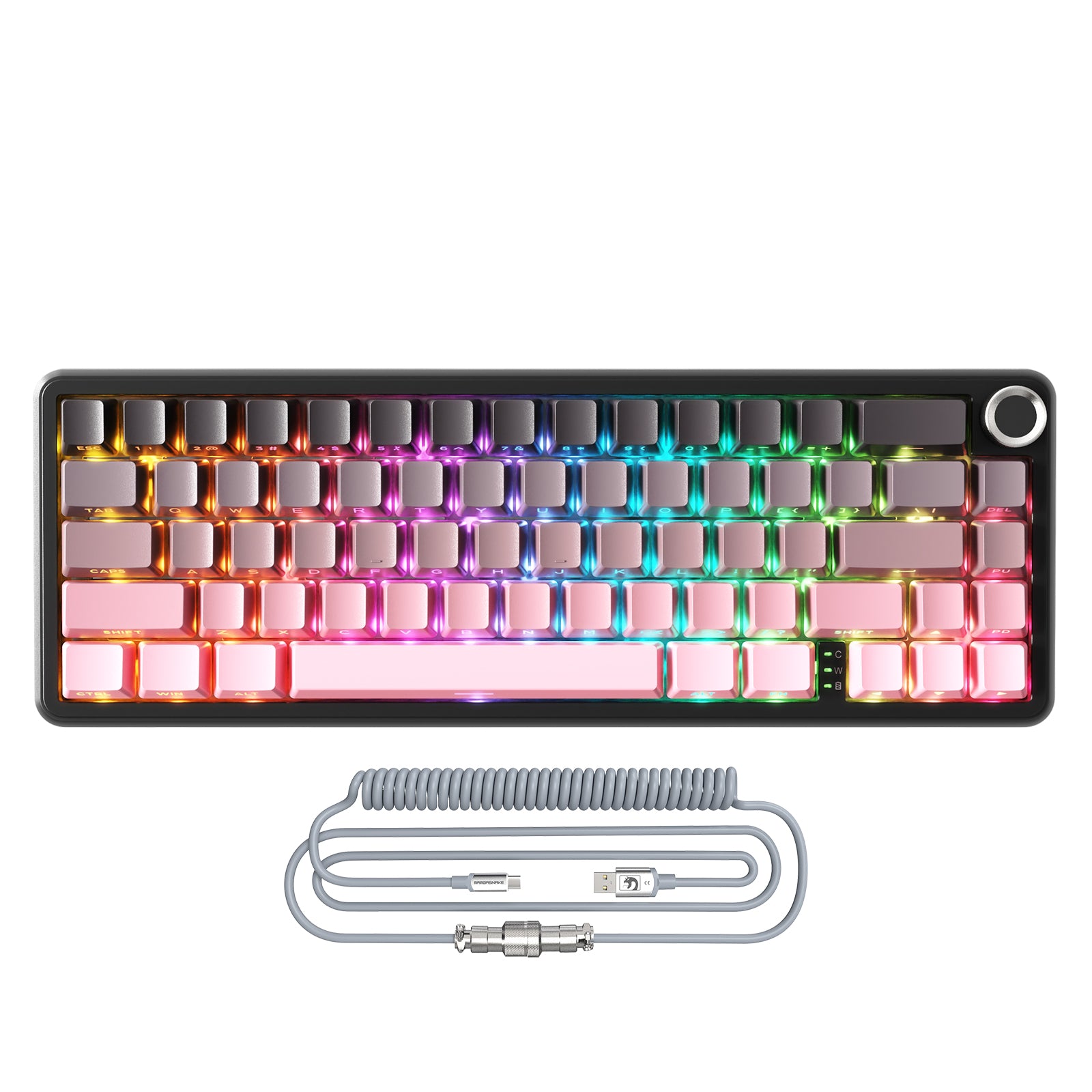
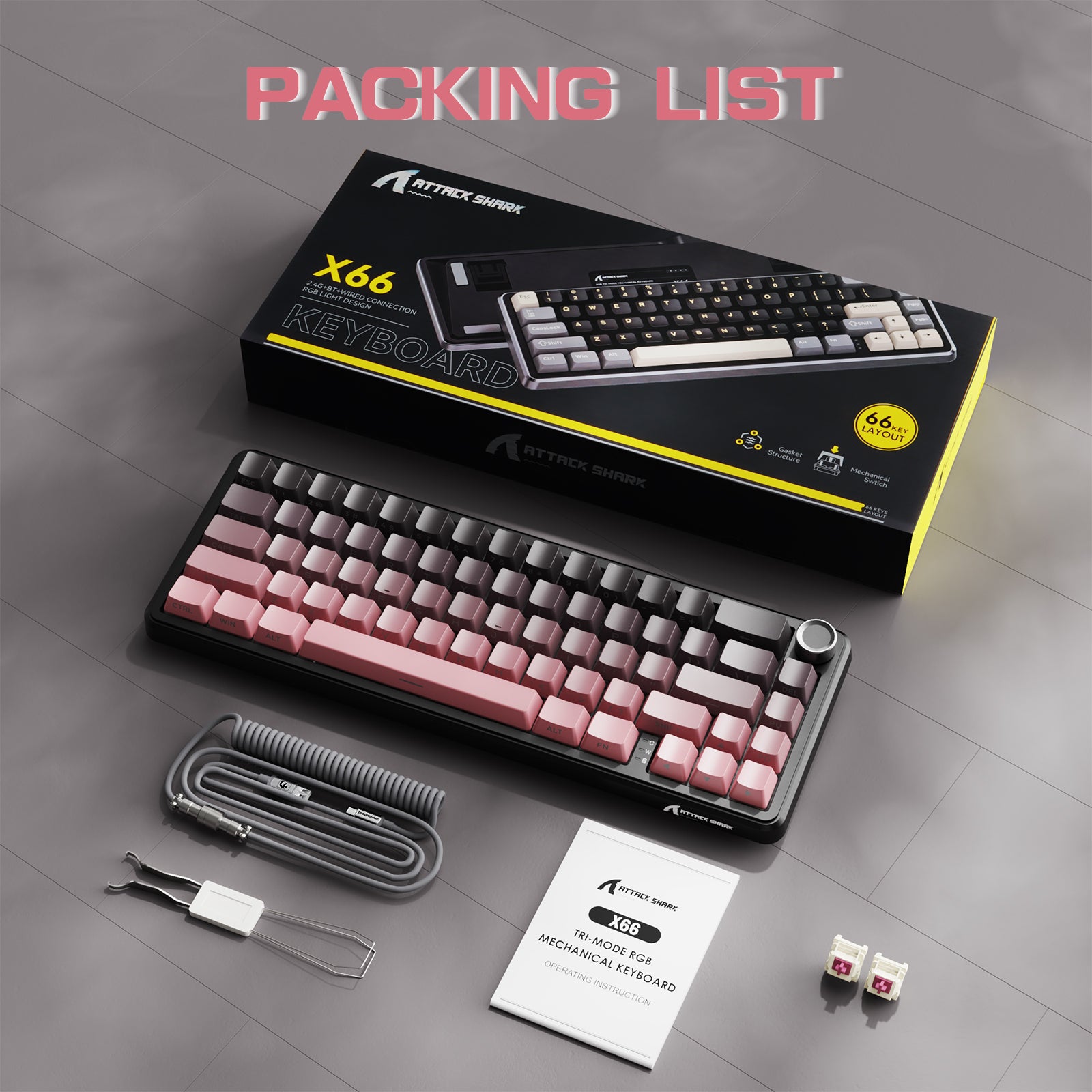
분리형 고속 충전 케이블은 8KHz 리턴율을 지원하여 더 빠르고 안정적인 신호 전송을 제공합니다. 고탄성 TPU로 제작되어 엉킴이 없고 데스크탑을 깔끔하고 아름답게 유지하는 데 도움을 줍니다.
더 높은 리턴율은 키보드와 컴퓨터 간의 더 빠르고 안정적인 데이터 전송을 보장합니다.
The keys press easily and smoothly, the sound is creamy and very satisfying to listen to. I like the look of the side printed keycaps. The case is plastic but doesnt feel low quality.


This is a very likeable keyboard. I think it looks great with the different colored keys making a really nice theme and the lighting looks pro. The key travel is less than usual, or maybe just less then I expected but not really short like a laptop kb; its actually good because it makes a bit faster to use. The keys aren't 'clicky', like some would expect from a mechanical kb and are more like Cherry 'brown' keys - there is little resistance to pressing but the return is good.I love the knob in the top right corner to adjust volume and press to mute - very quick and easy. Connection on mine is via Wi-Fi and was straightforward. Another reviewer has said the printing on his keys was inconsistent, but on mine its perfect.It came in a decent box and packaging, suitable to gift. The only oddity with it is there doesn't appear to be any way to keep it powered off. It will do so itself but comes on if a key is pressed. If you are transporting it somewhere it something to be aware of. Unless I've missed a key combo in the manual of course, but there's no manual switch to keep it unpowered.Nice keyboard


Been using the Attack Shark X66 keyboard for over a week. For background, we own over eight different keyboards, and i rotate my keyboards a lot throughout the week, however have found myself using this keyboard the most due to the ease of custom settings for the keys, and also the knob. I have used Epomaker, Aura, RK, and various other brands, but I do like how I was surprised by this unknown Attack Shark brand. The X66 is a remixed version of the Aura and RK 60% keyboards, which are double the price of the Attack Shark.The keys are creamy, and the feel of the overall keyboard is really solid for the price-range. Definitely a good value for the price as I purchased mine for $52. My favorite is the ability to use the knob for sound and mute, as I enter video conference calls a lot throughout the day. The size is perfect for those who travel, and the weight is heavy enough for stability, but light enough for portability. I would suggest those who already own 75% or 60% keyboards to have this as a fair travel or daily companion.

Muy bueno

Love it it’s fair price nice quality well thought, works awesome, bye wires. Heavy enough

The keys press easily and smoothly, the sound is creamy and very satisfying to listen to. I like the look of the side printed keycaps. The case is plastic but doesnt feel low quality.
This is a very likeable keyboard. I think it looks great with the different colored keys making a really nice theme and the lighting looks pro. The key travel is less than usual, or maybe just less then I expected but not really short like a laptop kb; its actually good because it makes a bit faster to use. The keys aren't 'clicky', like some would expect from a mechanical kb and are more like Cherry 'brown' keys - there is little resistance to pressing but the return is good.I love the knob in the top right corner to adjust volume and press to mute - very quick and easy. Connection on mine is via Wi-Fi and was straightforward. Another reviewer has said the printing on his keys was inconsistent, but on mine its perfect.It came in a decent box and packaging, suitable to gift. The only oddity with it is there doesn't appear to be any way to keep it powered off. It will do so itself but comes on if a key is pressed. If you are transporting it somewhere it something to be aware of. Unless I've missed a key combo in the manual of course, but there's no manual switch to keep it unpowered.Nice keyboard


I am LOVING this keyboard! I've been using it for a couple of weeks now. I'm on a MacBook Pro and I'm using the keyboard with direct Bluetooth (not with the dongle).A few things I love about this keyboard:-The rainbow colours in the LED background lights are beautiful! The Fn-Page Down combo lets you choose between a ton of different light modes.-It has a good weight to it, and grippies, so it's not going to slide around on your desk-It goes to sleep on its own to conserve battery, but wakes back up and connects quickly when I press any key-It's easy to charge with the included ASC-A to USB-C cable-It has a slider to choose between Mac and PC mode-It has a built in USB-A dongle - I don't need it, but it's good to know it's there - and there's a handy slot in the back of the keyboard to store it!-It did come with a couple of extra mechanisms for the keys if needed-The clackity clack is sooooo satisfyingThings I don't love:-It has a Mac mode, and I really wish they had just thrown in a Command key in the box that I could swap the Win key cap to (or made it both the Win and Command Icons). I was able to swap the Win key cap into my command position, which works, but it would be nicer if the proper key was there.-The included key swapping tool is terrible. It scratched one of the keys a little bit, it's almost a little bit too small for these keys.-It's a bit loud (or maybe I'm an aggressive typer)Overall I am loving it! Would definitely recommend.

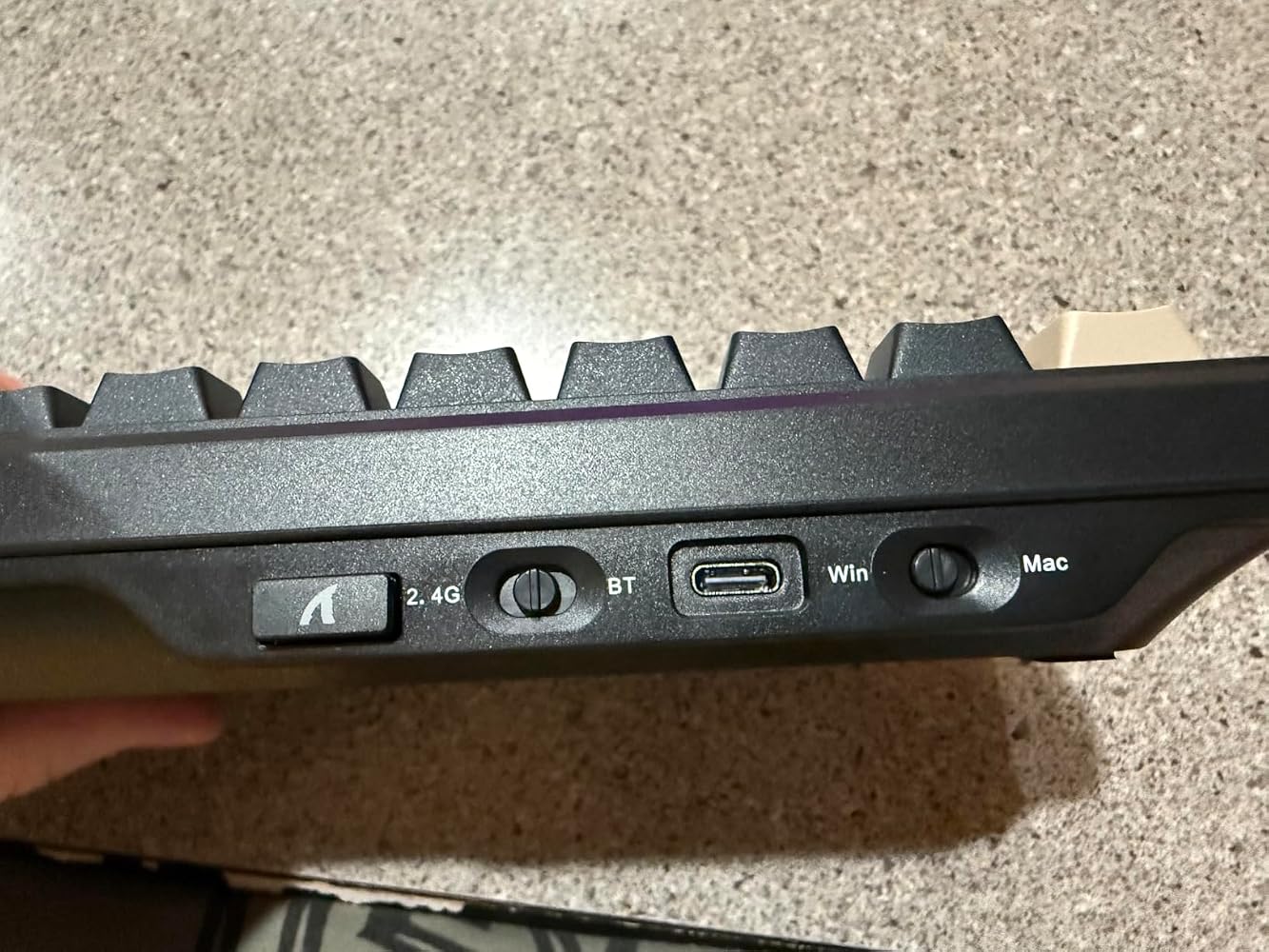


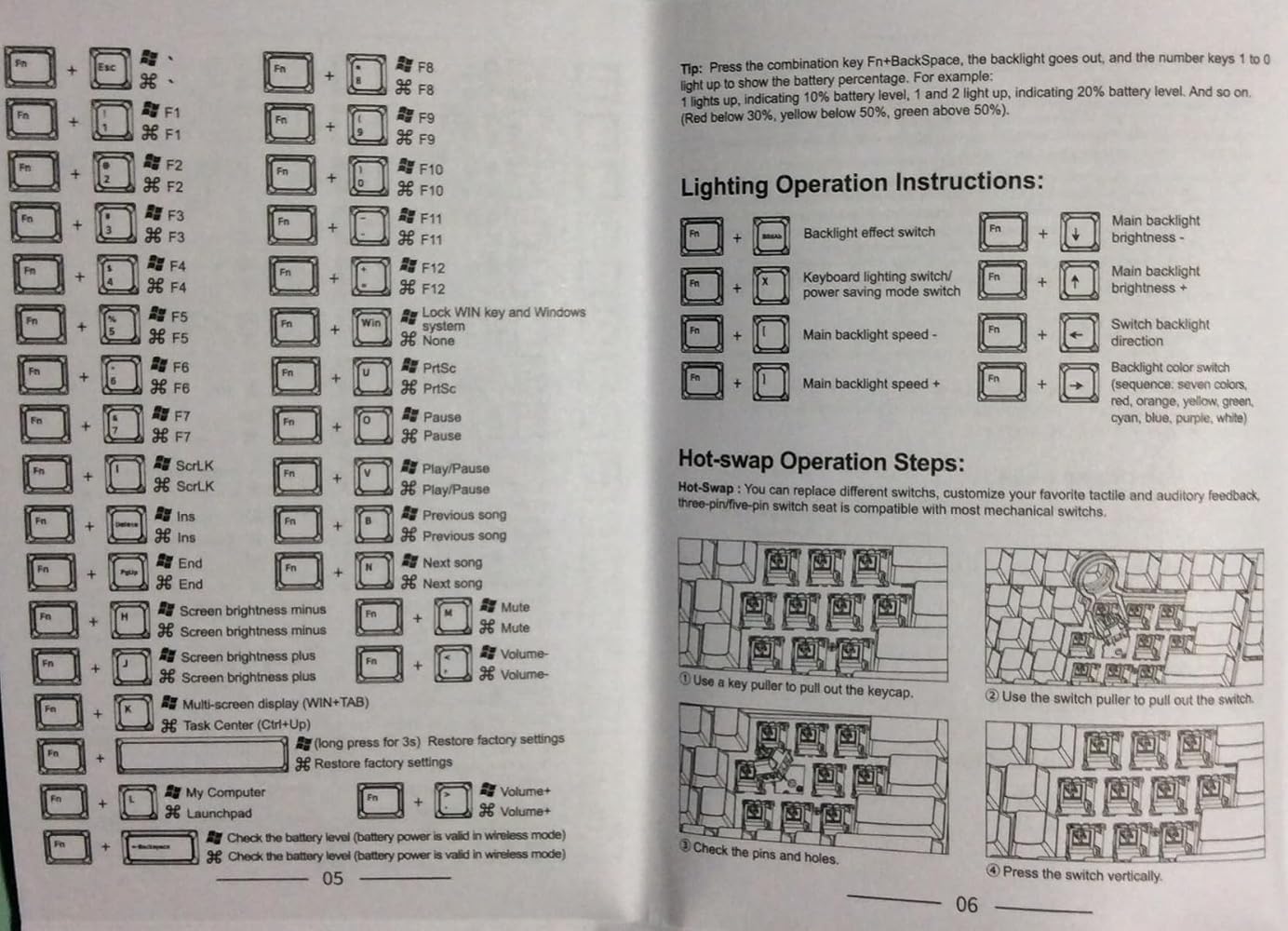
This Keyboard ( see photo ) is sturdy and well-built, with excellent fit and finish. The silicone damper layer is one of the main contributors to the beefy weight of nearly 900 grams. The backlighting colour schemes are impressive [ press Fn+PD to cycle through the multitude of keyboard lighting modes until selecting a favourite ]. I chose incorrectly since I would prefer the key labels to be on the top, rather than the facing-side, but otherwise, I am very happy with the device, and will spend plenty of keyboard-time with it.For the uninitiated, this 60% keyboard is compact (smaller than a full-size keyboard) and has roughly 60% of the keys normally found on a full-sized keyboard. The design leaves out several less commonly used keys, arranging the remaining keys in a more compact cluster.This mechanical keyboard is more durable, and uses individual mechanical switches beneath each key providing a more tactile, responsive, and accurate typing experience.Windows Notebook PC;In ‘Wired’ Mode, with the included USB-C cable, connected to a notebook computer running WIN10, the device was instantly recognized and operable. All keys were recognized, and very responsive.In ‘2.4G’ Mode, with the small 2.4G dongle was released from its’ very-handy magnetic grip at the back of the keyboard and connected to a notebook computer running WIN 10, the device was instantly recognized operable and all keys were recognized and very responsive.I could not test Windows Bluetooth connectivity as my notebook PC does not support it.IOS iPad;Once paired with an iPad Mini 2 in Bluetooth mode, the device was instantly and successfully, recognized as an external ‘X66 5.0-1’ keyboard. All applicable keys worked well.Android phone;Once paired in Bluetooth mode, and also in ‘Wired’ mode [using a user-supplied USB-C to USB-C cable directly connected] to a Samsung Galaxy A15 Android phone, the device was instantly and successfully, recognized as an external ‘X66 5.0-1’ keyboard. All applicable keys worked well in an SMS App ( needed to Tab over to ‘Send Message’ icon ).Website;The manual ( see photos for excerpts ), and a software download of the associated ‘Windows 1.0.0 Driver’, are available at the ‘attackshark’ website on the ‘driver-download’ page under ‘Attack Shark X66’ keyboard.



Verg good, everything seems to fit the discription, and came very fast!
Why did you pick this product vs others?:Saw it advertised on the Tik Tok shop and liked it.
I usually don't go for compact 65% keyboards, but I needed something small and this fit the bill nicely. It might be plastic, but it has a nice heft to it, and it sounds amazing. Highly recommended!
Good product for the price, enjoyable typing experience.
A great mechanical keyboard with several ways to connect to the computer. Very well thought. The volume knob is an awesome touch. My son already has a gaming keyboard which I bought it like 4 times more expensive than this, but now prefers this one to do games.
It’s beautiful and perfect
My son loves this keyboard. Very happy with my purchase.
Quality
Teclado lindo, teclas confortáveis e muito ergonômico!
I love this Keyboard. Despite it not having many reviews (and many from old vine reviewers RIP Vine) this is an amazing keyboard for the price. It sounds suprizingly great out of the box, is hot swappable, small form factor while still having a knob, and allows you to connect through a dongle, bluetooth, and through type c. This is one of the most versitile keyboards for the money and it feels like they put real time and effort into it to make sure it feels and sounds nice despite most of the money probably going into the flexability features (connection types/hotswappable/knob). For instance their switches sound suprisingly great out of the box, it comes with many different custom lighting options and a built in battery checking function all while still being cheap for everything it does. It might not beat out the sound/quality of $100+ keyboards but I honestly prefer it over some of the more expensive keyboards I have used due to its nice (but not amazing) sounding switches and its formfactor. Since its hotswappable, If i ever want to change out the switches I still can. If I wanted to be extremly picky I would say that the base is a nothing special plastic and Im kinda sad there is no plain dark option with lettering on the top but I seriously cant complain about these things because of the price. The side lettering on mine has been suprisingly effective and I only sometimes run into issues with it when I use the keyboard's certain low lighting effects funtions as the lettering blends into the dark keys without the light on. I really did not want the side lettering as I thought it might make typing harder but I havent had any issues when I occasionally have to try and look for a key.Overall if you are looking for a keyboard that has a lot of connection options, has a small form factor, and is a reasonable price all while somehow not sacrificing for quality I would highly reccomend this keyboard.
Got this for my bf since we moved provinces & he left his keyboard behind. Once this came in the mail, we tried it & we both thought that this sounded & felt better than his previous keyboard that was triple the price!
Gostei muito, atende minhas necessidades. Ele é super macio na digitação, não enrosca e é lindo. Excelente pra que gosta de jogar no PC.
Really happy with this keyboard, it works exactly as it should and feels great to type on and do casual gaming. The size is portable but has all the major keys needed. I didn’t realize at first that it doesn’t have variable actuation levels, but that hasn’t been an issue at all. Overall, a solid and satisfying keyboard, definitely worth it.