
Attack Shark
KEYBOARD POLLING RATE TESTER
Time Remaining
10.00s
Real-time Rate
0 Hz
After clicking "START TEST", alternate pressing two keys quickly (e.g., A and S).
The test will run for 10 seconds.
0
Max Rate
0
Min Rate (Peak)
0
Average Rate
-
Stability
* Browser Limitation: Web browsers have system-level limits on polling rate measurement. Values around 1000Hz
usually indicate 1K+ support.
* Ensure you press keys quickly. Holding a key down does not trigger polling detection.
How to Use
1
Click START TEST to initialize the 10-second timer and polling detector.
2
Immediately begin pressing two keys (e.g., A and S) as rapidly and alternatingly as possible.
3
Maintain the rhythm until the timer hits zero. Do not hold keys down, as this stops polling events.
Understanding the Results
- Max Rate: The highest report frequency detected. 1000Hz = 1ms delay.
- Stability: Indicates how consistent the data transmission is. "Good" is ideal for gaming.
- 125Hz vs 1000Hz: Standard office keyboards are locked at 125Hz. Gaming keyboards range from 1000Hz to 8000Hz.
- Browser Limits: Some browsers may cap rates. If you see consistent ~1000Hz, your device is performing well.
Frequently Asked Questions
What is keyboard polling rate?
Keyboard polling rate, measured in Hertz (Hz), indicates how frequently the keyboard reports keystroke
data to the computer. A 1000Hz polling rate means the keyboard sends a signal every 1 millisecond (ms).
Is 1000Hz or 8000Hz better for gaming?
For competitive gaming, higher is generally better. 1000Hz (1ms) is the standard for esports. 8000Hz
(0.125ms) offers the lowest theoretical latency but requires a high-performance CPU and a
high-refresh-rate monitor to notice the difference.
How do I accurately test my keyboard polling rate?
Use an online polling rate tester like this one. Press and release multiple keys (like A and S) as rapidly
as possible for at least 10 seconds. The 'Max Rate' displayed represents the peak frequency your keyboard
achieved.
Does polling rate affect CPU usage?
Yes. Standard 1000Hz keyboards have negligible impact. However, setting a keyboard to 4000Hz or 8000Hz
generates significantly more interrupts, which can increase CPU usage and potentially lower FPS on older
systems.
Why does the test result show less than 1000Hz?
This can happen due to browser limitations, OS scheduling, or not pressing keys fast enough. Also,
standard office keyboards are hardware-locked to 125Hz, so they will never exceed ~125Hz in tests.
What is the scan rate vs polling rate?
Polling rate is how often data is sent to the PC via USB. Scan rate is how often the keyboard's internal
matrix checks for key presses. A true low-latency keyboard needs both a high scan rate and a high polling
rate.
추천 모음
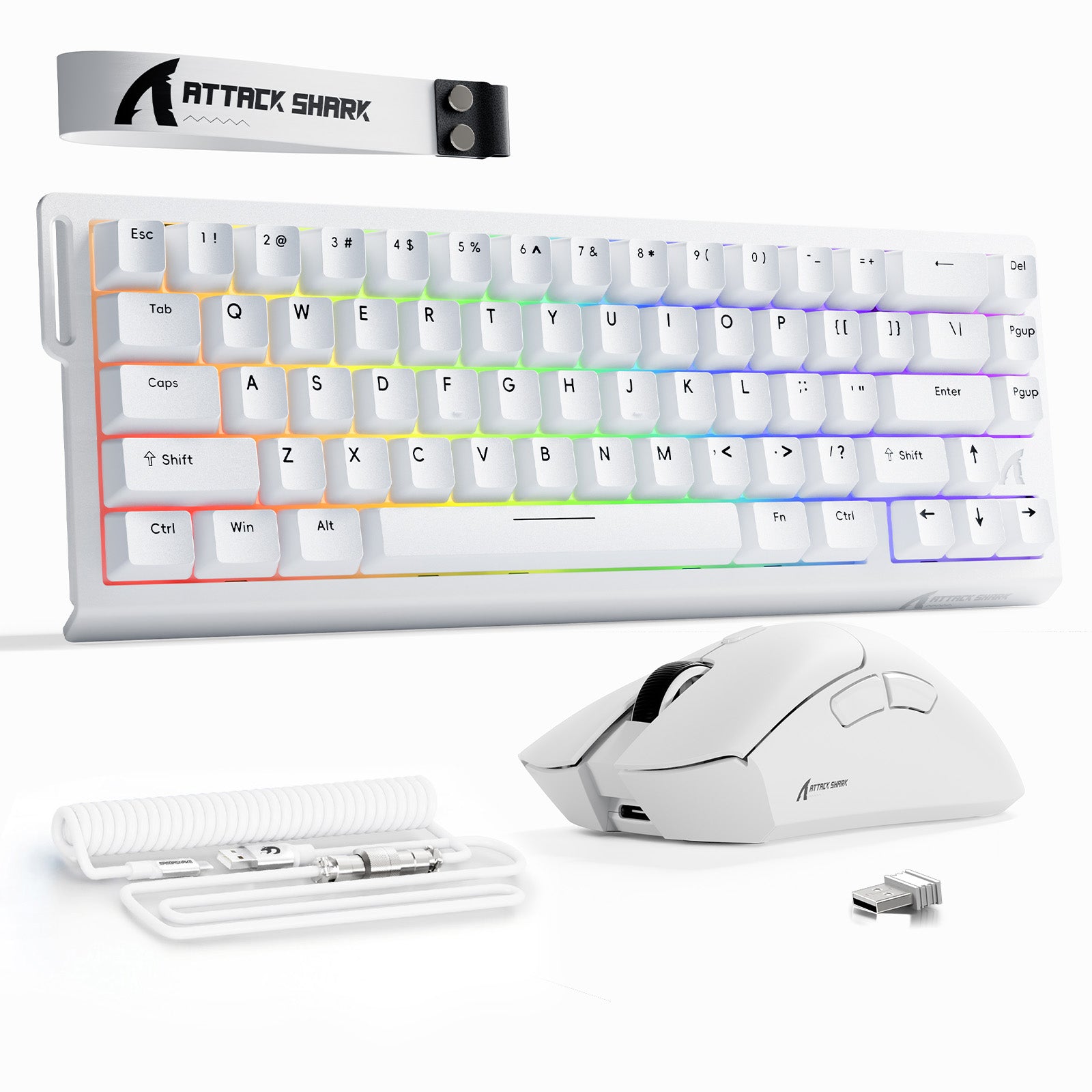
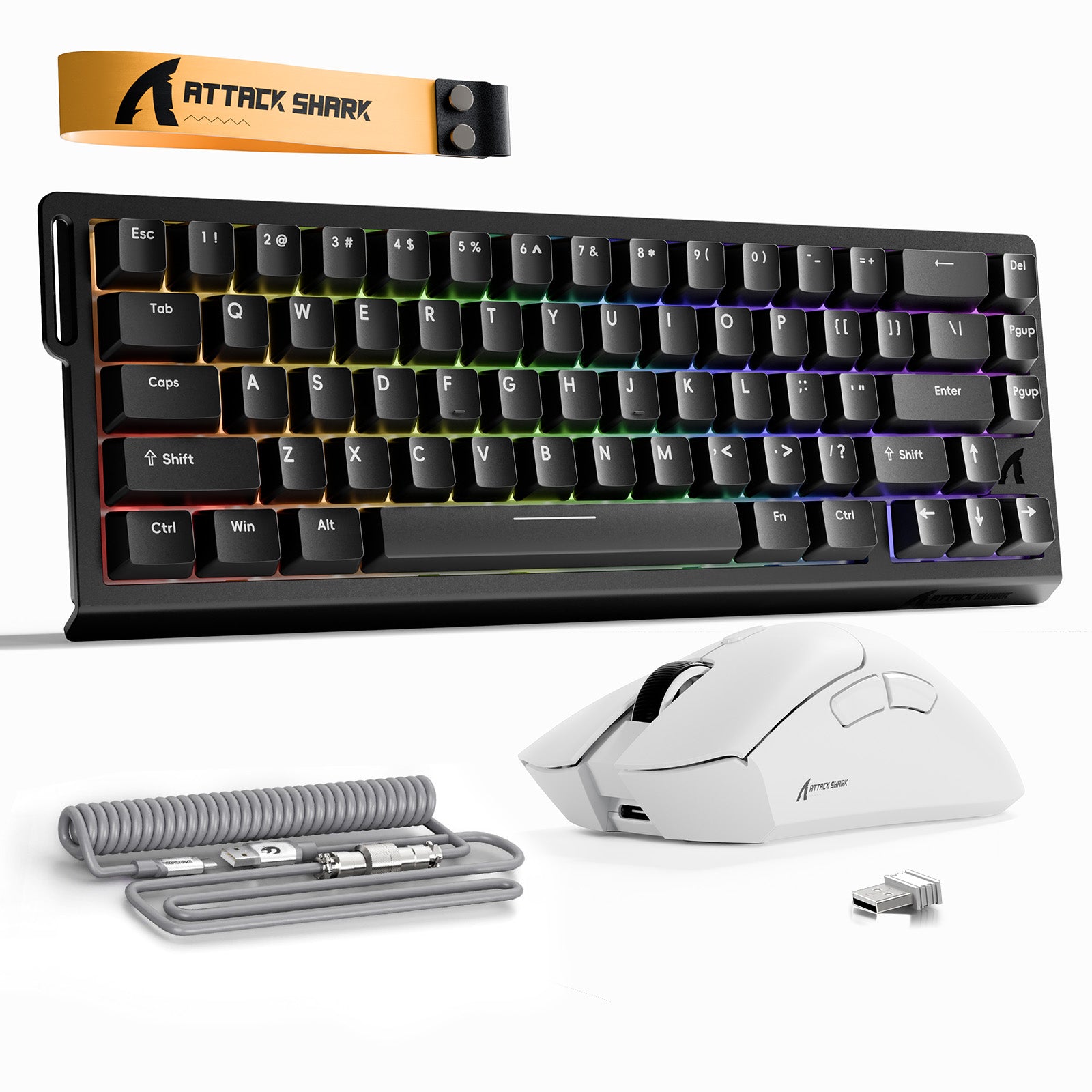
ATTACK SHARK X68HE 래피드 트리거 키보드 + R1 무선 게이밍 마우스 + C01 코일 케이블 번들
판매 가격₩127,000부터 시작
정상 가격₩149,000
ATTACK SHARK X68HE 래피드 트리거 키보드 + R1 무선 게이밍 마우스 번들
판매 가격₩104,000부터 시작
정상 가격₩123,000
ATTACK SHARK X68HE 래피드 트리거 키보드 + X3 무선 게이밍 마우스 번들
판매 가격₩116,000부터 시작
정상 가격₩136,000
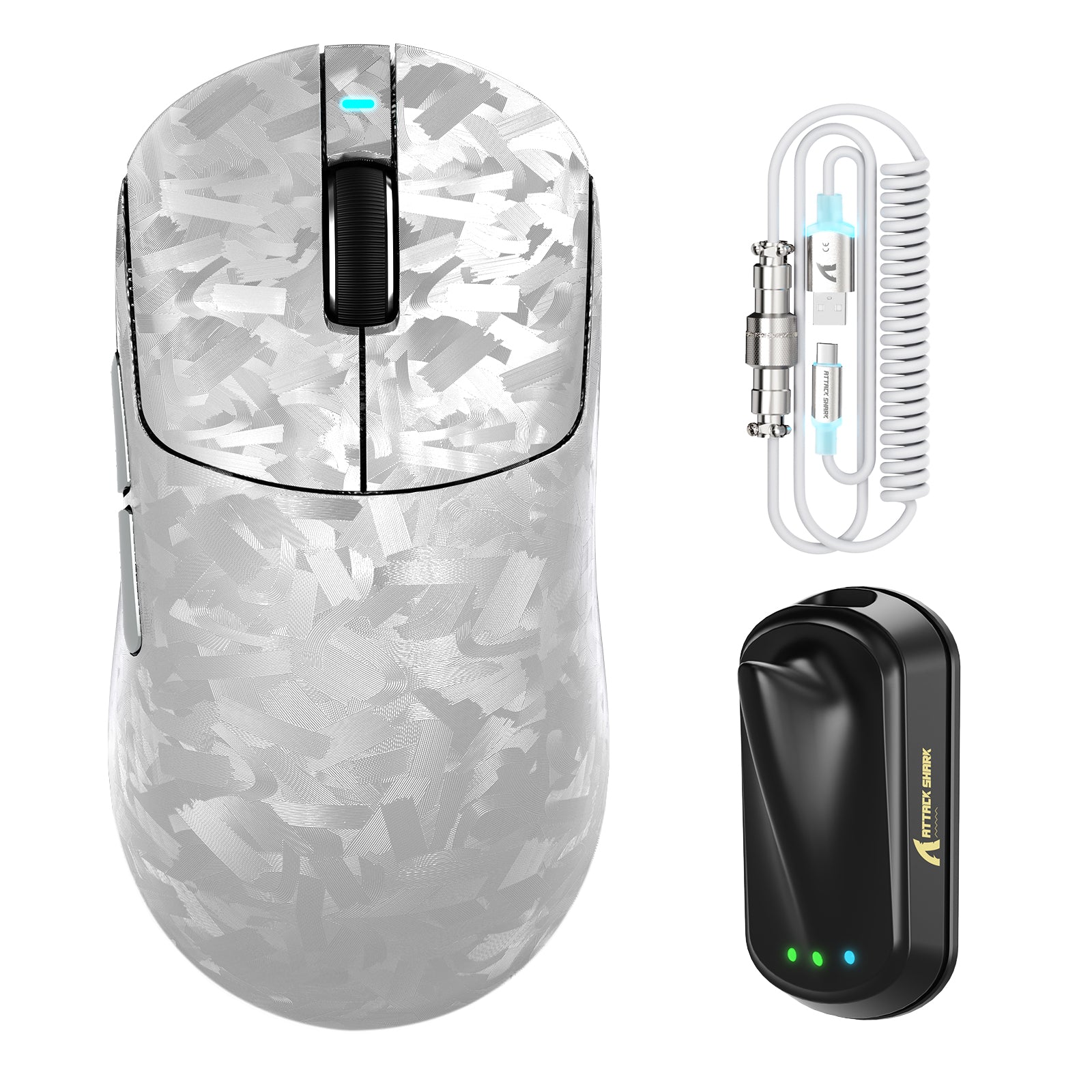
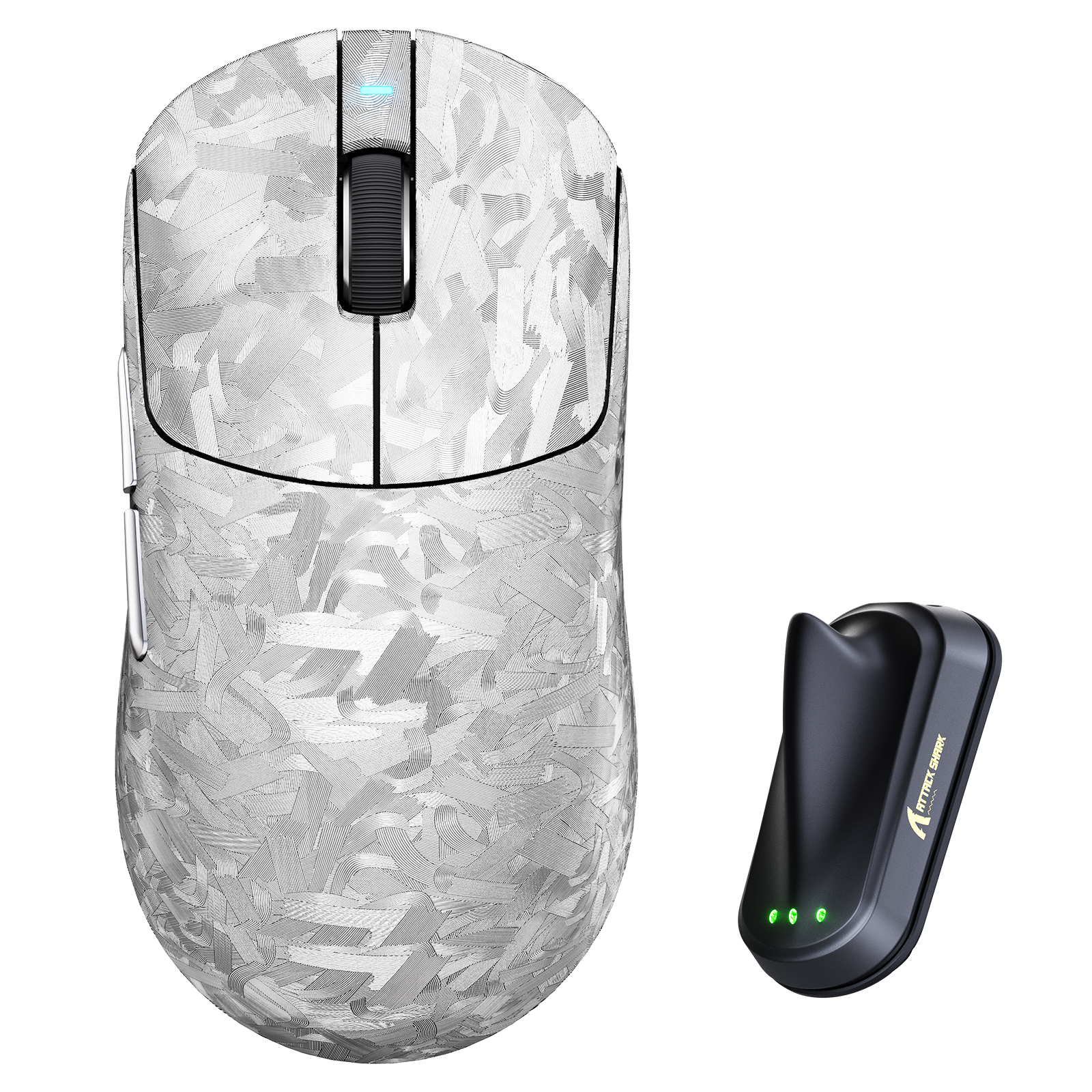
ATTACK SHARK R68 HE & R11 ULTRA 카본 파이버 게이밍 번들 C01 ULTRA 코일 케이블 포함
판매 가격₩251,000부터 시작
정상 가격₩285,000
블로그 글

마우스 센서 위치가 실제로 근육 기억과 조준에 영향을 미칠까?
더 강력한 FPS 조준은 마우스 센서 위치를 그립 스타일, 손 크기, 손목 움직임, 그리고 경쟁적인 추적 요구에 맞추는 것에서 시작됩니다.

안전한 펌웨어 업데이트는 게임 주변기기의 입력 지연을 해결하고, 마우스 드라이버를 개선하며, 키보드 드라이버를 새로 고치고, 기기 손상을 방지하는 데 도움을 줍니다.

챔피언십 게이밍 페스티벌: ATTACK SHARK와 함께하는 월드컵 시즌 축하 행사
월드컵 대규모 게임 할인 행사에서는 최대 50% 할인, 콤보 번들, 경품 증정, 봉제인형 보상, 축제 기간 동안 두 배 포인트 적립 혜택이 포함됩니다.