






Frequently Asked Questions
ATTACK SHARK R5 ULTRA 카본 파이버 무선 8K PAW3950MAX 게이밍 마우스 8K 코일 케이블 포함
- Share:
-

-

-

-


- In Stock
Frequently Asked Questions
Frequently Asked Questions
Technical Specifications
WEB DRIVER


탄소 섬유로 새로운 가능성을 열어보세요
탄소 섬유 복합재의 탁월한 강도 대 중량 비율은 항공우주, 자동차, 스포츠 산업에 이상적입니다. R5 Ultra의 외피에 이를 사용하여 39그램(±3)의 가벼운 무게와 높은 내구성을 동시에 달성했습니다.

차세대 플래그십 센서: PAW3950MAX
PixArt의 최신 PAW3950MAX 센서를 탑재하여 42,000 DPI, 8000Hz 폴링, 750 IPS 속도, 50G 가속도를 제공하며 뛰어난 정밀도를 자랑합니다. 번개 같은 반응 속도와 완벽한 추적 성능으로 FPS 헤드샷이나 고속 MOBA 조작에 최적화되었습니다. 프로들이 신뢰하고 승리를 위해 설계되었습니다.

무게 단 39g의 초경량
탄소 섬유 복합재와 구멍이 뚫린 쉘 디자인 덕분에 R5 Ultra 초경량 마우스는 무게를 줄여 겨우 39(±3)g에 불과합니다. G Pro X보다 33%, V3 Pro보다 23% 가볍습니다. 모든 RPG, MMO, FPS, MOBA, 배틀로얄 및 기타 빠른 속도의 게임에 완벽합니다.

8000Hz 무선 폴링 레이트
R5 Ultra는 무선 모드에서 인상적인 8000Hz 폴링 레이트를 제공하여 응답 시간을 1000Hz의 1ms에서 단 0.125ms로 단축합니다. 초반응 커서 움직임과 번개 같은 트리거 반응을 경험하여 중요한 순간에 경쟁 우위를 확보하세요!

SMARTSPEED 연결성
연결 상태를 유지하고 멈추지 마세요 – SMARTSPEED 무선 기술로 구동되는 R5 Ultra는 초고속 2.4G, 민첩한 블루투스, 신뢰할 수 있는 유선 연결을 통해 원활한 다용도를 제공합니다. 200시간 연장 배터리 수명으로 게임을 더 오래 즐길 수 있어 항상 승리를 준비할 수 있습니다.

1억 회 클릭 – Omron 마이크로스위치
프리미엄 Omron 스위치로 초선명 클릭감과 뛰어난 내구성을 즐기세요. 1억 회 이상의 클릭 수명을 자랑합니다. R5 Ultra는 또한 정밀하고 촉각적인 스크롤을 위한 F-Switch 스크롤 휠 인코더를 탑재했습니다. 이 모든 것이 좋아하는 게임에서 탁월한 촉각을 제공합니다.

업그레이드된 TPU 코일형 마우스 케이블
패키지에는 1.6m 낙하산 코드와 최대 70인치까지 확장 가능한 코일형 마우스 케이블이 포함되어 있습니다. 고품질 금속 커넥터를 사용하여 산화 및 간섭에 강하며, 잦은 사용에도 안정적인 연결을 보장합니다.

완전하게 사용자 지정 가능
드라이버 소프트웨어에서 마우스를 설정하여 버튼, DPI 설정, 폴링 레이트, 리프트 오프 거리 등을 프로그래밍하세요.
소프트웨어 설치 또는 제품 사용 중 문제가 발생하면, 전용 지원을 위해 즉시 문의해 주세요.
Perfect
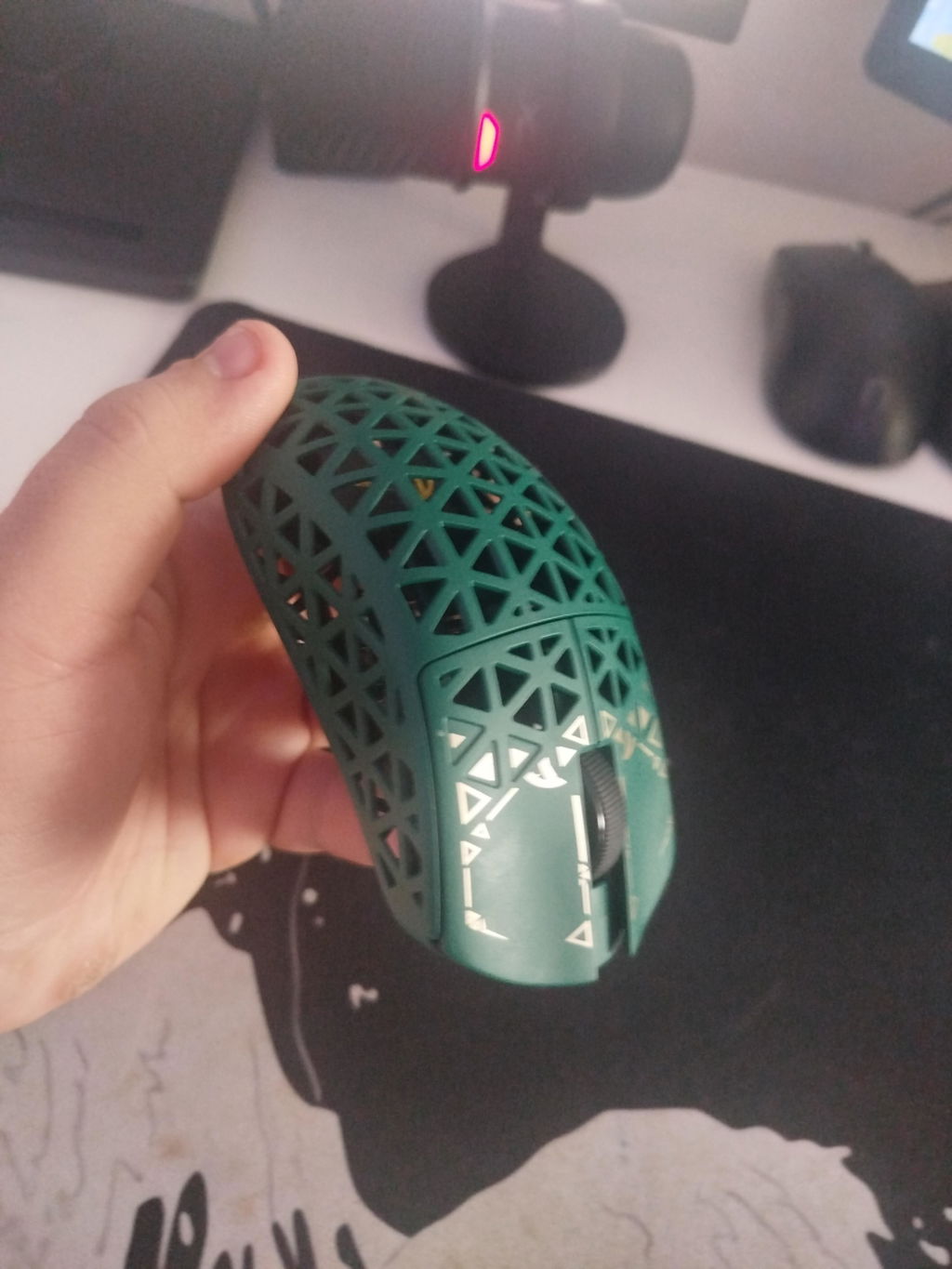
Excellent mouse. I loved the quality of the product and how fast it's. I'm very satisfied with the purchase, and you're definitely the best at this. Thanks for everything <3
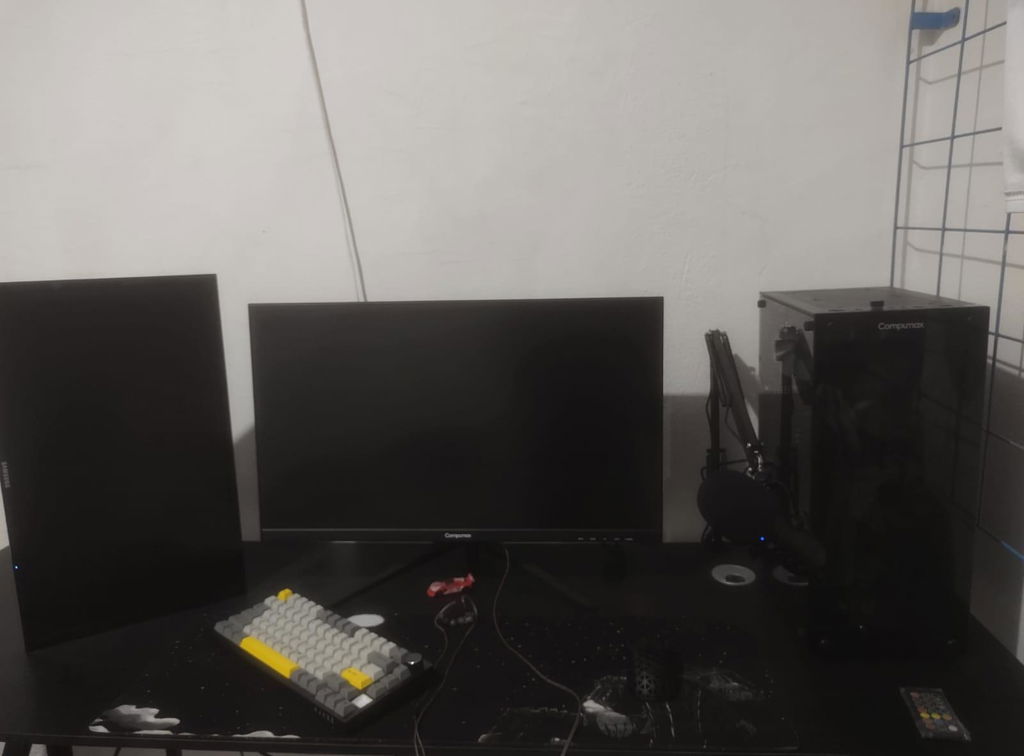
The Attack Shark R5 Ultra, essentially a re-label of the IPI Float with some changes is a delightfully solid mouse.Some quick notes:• Comes in at 43 grams with two strips of grip tape applied• Carbon Composite frame is very rigid and feels higher end• Main clicks are Omron D2FC-F-7N 100m, not the Optical D2FP-FN2 switches as is shown in some media• Great shape on the thumb buttons that protrude just right• Slightly above average skates, with included replacements• Large external dongle, more for looks over functionality• Decent battery life, at least on lower polling rates• Works good with claw grip though a little on the narrow side• Slightly flat for palm grip, though your taste may vary• Included cables are not great, both the braided and the coiled. Too stiff.• Web driver is simple and straightforward with a handful of adjustments• DPI button is on the bottomThe longer part for those who want the details:This mouse upon placing it in the hand feels almost like air, its balanced well and is a fairly universal shape that many people can work with though personally I would have preferred it to be slightly wider in the mid section with my fingertip grip. The Carbon Composite plastic used here is extremely rigid and feels higher grade than the average mouse material. Looking close at it or even digging into it with a nail it feels harder and more substantial. Despite being mostly holes, there is almost no flex whatsoever. It is however rather slick and lacks grip, though there is a set of grip tape provided with this specific set which definitely improved my comfort on the sides. With two strips applied it hit 43g on the scale, which puts it solidly in a great zone for lightweight mice.Main clicks are not the Optical switches shown in the media and some promo, nor are they Kailh, but Omron 100m switches. Attack Shark issued a statement that the switch selection was changed somewhere along the line for "key sound performance," however the media was not updated properly to reflect the change. They are satisfying enough though and I can't find much of any fault with the performance, but are nothing exceptional to note. I hope they hold up just as well over longer periods. Fingertip placement affects the feel of the switch slightly, with a higher up grip being more firm with less travel, and lower down having a slightly looser feel. Not bad, but nothing exceptional to note. Scroll wheel feels fairly standard, on the lighter side but still has enough notch to the encoder to prevent accidental input.The thumb buttons have a very pronounced shape with an outward crease along the center line that catches the thumb in just the right way without being too chunky. They don't sink in too far when pressed either, and this shape has become my favorite out of the half dozen gaming mice I have on standby.The 3950 sensor works just as it should with excellent tracking, no spin out and has some extra features. In the driver polling can be adjusted from 125 to 8K, LOD has three heights, Motion Sync, Ripple Control, and Angle Snap are all supported. Using a corded connection drops the polling to 1K max, and then when on Bluetooth mode the driver does not connect and reports back only at a basic polling rate. Running the polling tester my PC could pick up roughly 6800-7000 Hz from the wireless connection, so 8K is possible, it will also depend on system load and other factors of course. Higher polling has more effect on battery life and has diminishing returns so I run it at 2k personally. Said battery life despite the tiny size of the cell is acceptably good, and I charge it roughly once a week.The included skates are all right but nothing exceptional, users of customized mice or ultra high end will find them a little more draggy, but they are serviceable. There is an included set of extra skates that are white which I have not tried yet, they could be slightly better if they are the higher grade PTFE.One of my biggest disappointments with the mouse however is in the cables, both of them. This kit comes with an additional coiled cable with an aircraft style connector as is more commonly seen on keyboards, though its an odd design. The coil is placed far back as to allow for a long enough tail to use on the mouse wired, but that places the coil essentially back where you will never see it and the wire is too stiff to use for mousing IMO so I don't think it is worth the premium vs this mouse that is sold without it. The regular black braided cable that is also included is also far too stiff, and I ended up replacing it for the time I used this plugged in with one more flexible. The dongle is chunky, and is an external type meant to be placed on your desk close to the mouse connected with one of the Type C cables It has a status LED but there's not much of anything to note about it. The mouse itself has its own status LED inside the frame, but its turned off most of the time unless under low battery, pairing or wired.All in all...


This mouse looks great - and has a weird sort of Zelda-esque bit of design flair going on on the mouse buttons that kind of works. There are included grippy pads that can be added to the mouse (one for each side and one for each mouse button) but the mouse button ones in particular absolutely destroy the look of the mouse. Having said that, they do add a lot of grip if form is of priority.They'll also add a significant percentage in terms of weight. The product photos show 39 plus or minus 3 grams and I clocked it on three separate scales either at or a hair above 42g. I guess that's 39 plus 3, and regardless, it's about as light as a mouse can realistically get.It's incredibly smooth to use, too, and has a relatively quiet but still pronounced click on all of the buttons. Scroll wheel is nearly silent, although it doesn't feel great to use in comparison to everything else. DPI is toggled through the bottom and indicated via a change in the internal LED, although the scale isn't overly helpful until you've seen the web-based customization 'software.' Nothing is downloaded, which is nice, but it also means that page had better stay up.Dongle is one of the strangest I've seen, with two external shark-shaped LEDs and one internal one inside a plastic tub, with some fake screws and outer housing. It's not ugly, it's just bizarre when most mice have a small USB brick.Mouse charges relatively quick, and the central position on back lets you use it wired...although I'm going to be honest, this is really not the mouse you want to wire up. The included breakaway/coil cable looks neat but it's more a keyboard thing. It's so stiff and heavy and once you tether the mouse to it everything just feels awful. The port has no strain relief built in either, with the USB-C surface-mounted.Ultimately it's an interesting looking mouse (I love the look) that is incredibly light, responsive, with satisfying buttons. The online-only software is odd but for the moment isn't an issue, and once you make any changes they save to the mouse. It's completely functional without it, too. I just don't get the included coiled cable as it weighs many times more than the mouse, but it can be ignored and run wirelessly.


Mouse feels awesome in hand it just disappears because of the weight. I didn't expirence any losses while using it wirelessly by factory dongle. I didn't try gaming with cable and honestly i find it kinda useless for me because i bought it mainly for wireless connection. Battery looks that can withstand long time.
With my Chinese custom printed mouse pad the max 42000 dpi is a unusable and more of a gimmick.
Web software doesn't work with my main web browser Firefox but atleast works with Chrome. Also made a mistake by ordering through official website where prices were a little bit higher than on AliExpress with discounts.
Overall pretty nice mouse, very basic web software, could have a optical switches rather than mechanical.
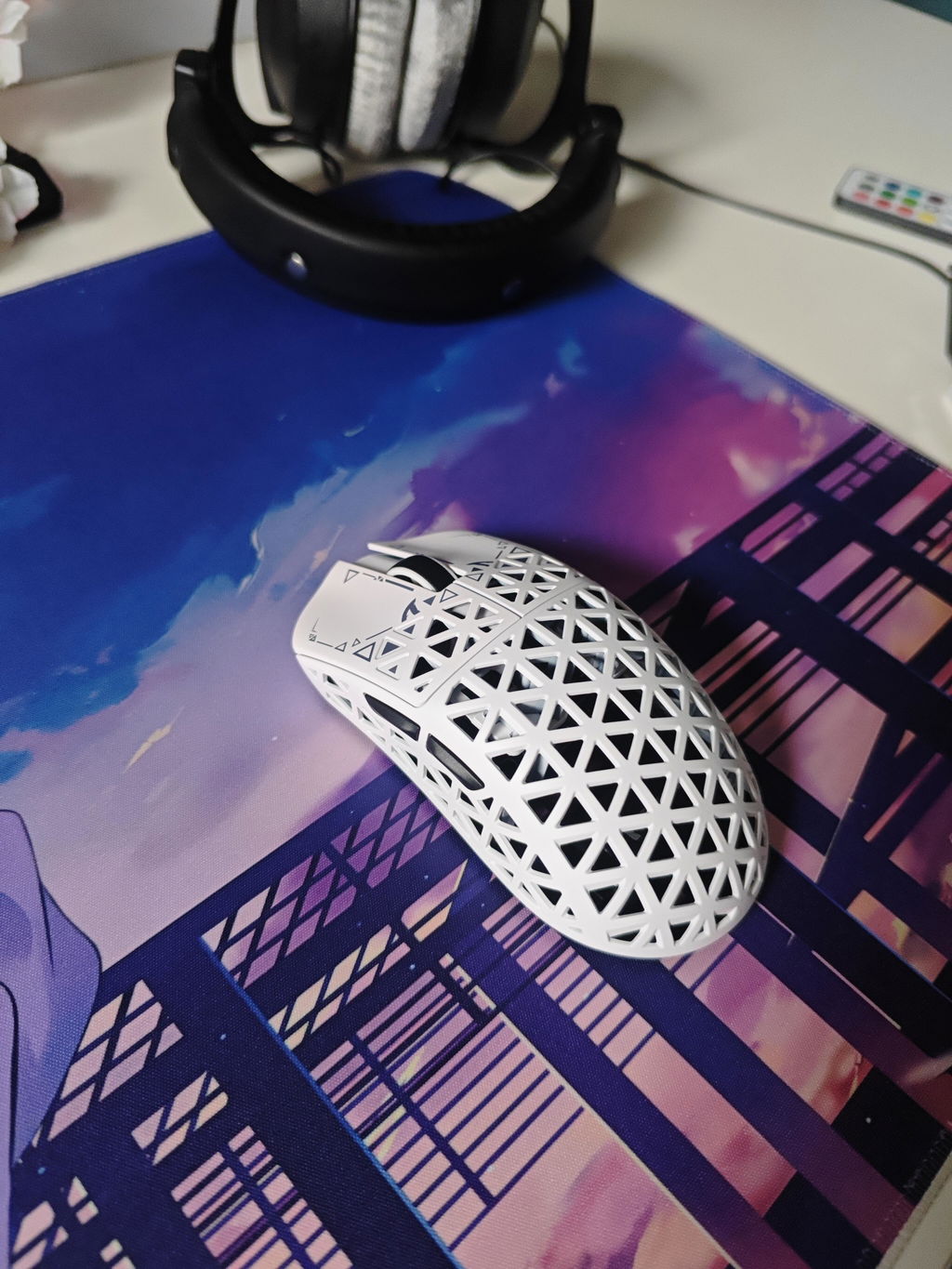
It's excellent for the price
At first everything was amazing, the mouse is light, everything was working perfectly, but now, after a month my mouse stopped working, i connect it to the cable, it doesnt turn on, i connect it to 2.4ghz mode, doesnt work either, i tried holding the 1, 2, and 3 button to reset it but the green light simply doesnt show up.
A waste of money for this mouse.
Very nice mouse but mine broke in 1 year
Great mmouse
Amazing product
Top Ware schneller Versand gerne wieder
Nice
Very good.
Amazing
Great mouse, very light and comfy for all type of grips, playing valorant on it, 10/10
nice mouse, really light and confortable. I shape is kinda big for me but its still a great addition to my collection
.
Much better than more expensive mice8k polling + 0 debounce + 0.7mm LOD + best sensor + lightweight
Nice and smooth
Great mouse
Very light and luxury mouse, probably the best and cheapest mouse if you would like to try carbon
This is an oddly good mouse. Light and a good feel in the hand. Battery life is more than fine for the weight. Was nice to have a colour that was not white, black or something in between.
Absolutely fantastic
i love it
3 ways to connect to your pc. It is small but it is very lightweight